What a Counter-Strike 1.6 online server actually is
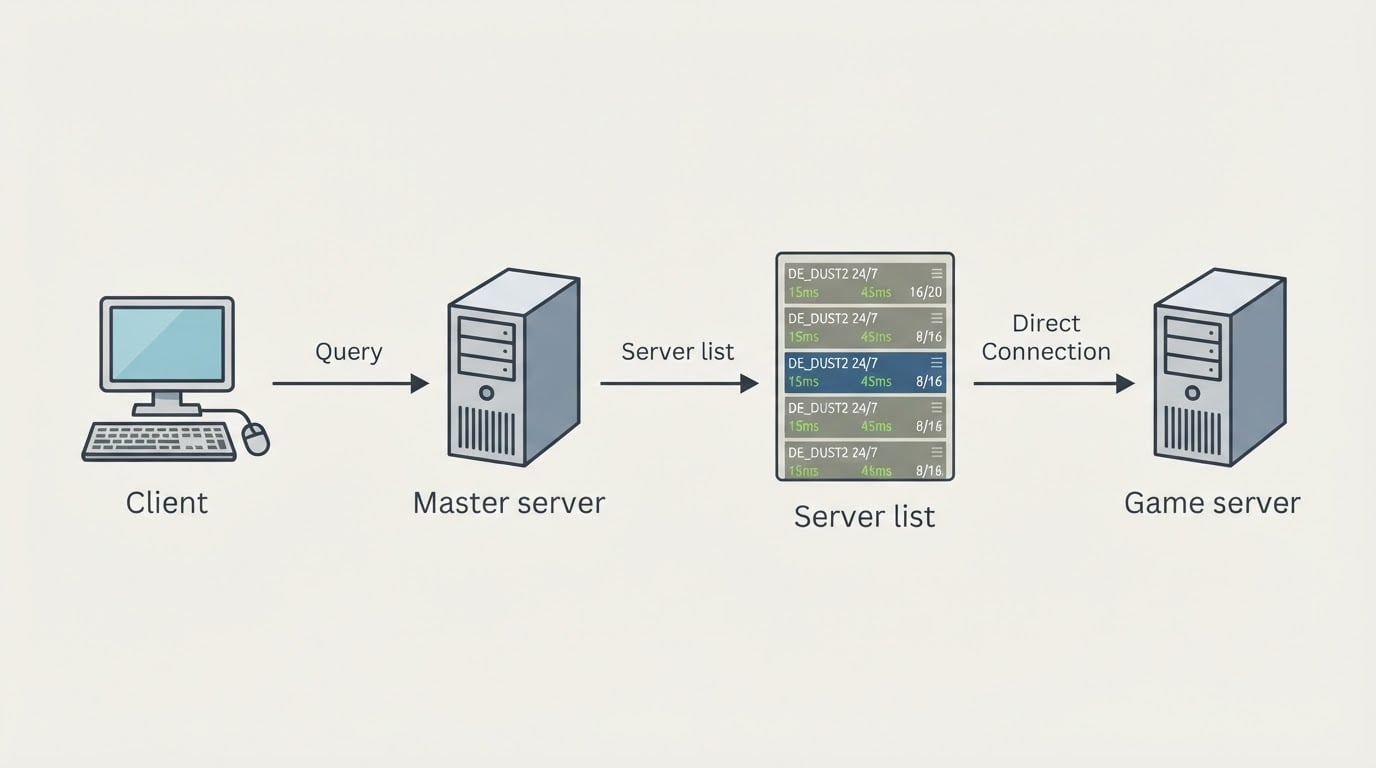
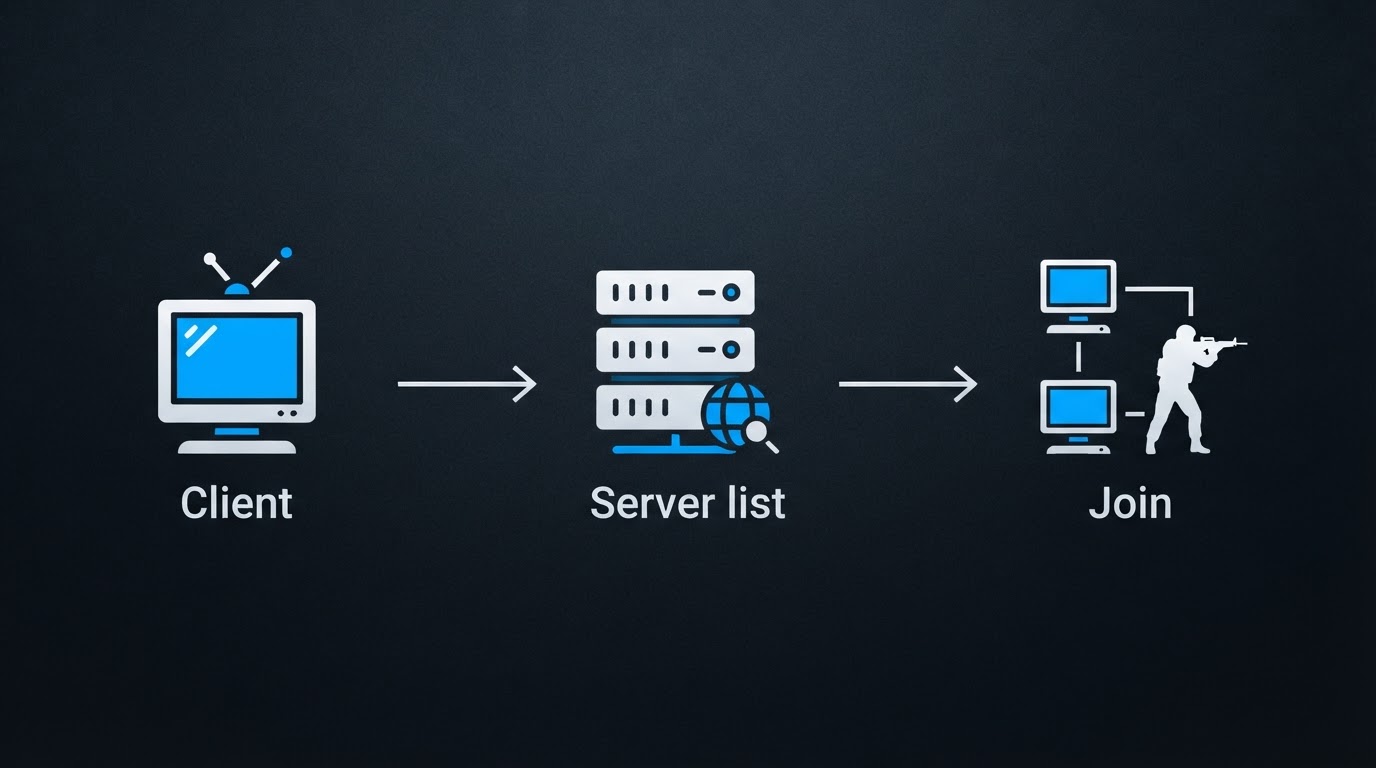
A Counter-Strike 1.6 online server is a persistent game server that accepts connections from any player running a compatible 1.6 client, and it is identified by an IP address and port rather than by a matchmaking queue.
That single fact explains most of what feels unusual about 1.6 today. There is no ranked matchmaker deciding where you go. Someone runs the server, and you decide whether to join. Community servers are usually hosted by clans, communities, or small hosting operations, and they stay online around the clock with their own map rotation, rules, and mods: respawn, gun game, zombie, HNS, jailbreak, 1v1 arenas, aim maps, and plain public rotations.
Because servers are independent, quality varies widely. One address is a well-run public server with active admins; the next is a barely maintained box with inflated player numbers. The address format is also your key: IP:PORT, usually on the standard port 27015. When a list shows an IP without a port, the default is almost always what you want.
The other practical detail is version compatibility. A client build that no longer matches the build a server runs will fail to connect, even when the address is correct. That is the main reason a clean, current client matters more than any list you bookmark.
Key answers at a glance
The short version: servers live in browsers, directories, and communities, joining is free, and promotion rather than quality explains most list placement.
Question | Short answer |
|---|---|
Where do CS 1.6 servers live? | In the in-game server browser, in community server directories and monitors, and in player communities that publish addresses. |
What do I need to join one? | An installed 1.6 client and a live |
Is it free? | Joining public servers is free. Owners pay for hosting and, if they choose, for promotion. |
Can I play without downloading anything? | No. Online play needs a local client; browser versions are separate builds with their own limits. |
Why does one server appear everywhere? | Server promotion pushes it into lists. Placement reflects marketing, not quality. |
How do I reject a bad server fast? | Check whether it changes your settings without asking, and whether the player count survives a second refresh. |
Before you search: sort out a client that can connect
You cannot join any server without a local client, so handle that first and confirm it is a build that still matches live servers.
Two routes are common. If you already own Counter-Strike on Steam, that copy is the most standard build and the simplest one to keep updated. If you do not, free pre-built kits are the usual alternative, and they come with an obvious trade-off: you are running someone else's executable. Download from a source with a public track record, scan the archive before installing, and read what the installer actually changes.
DownloadCS16.RO is one example of the free-kit route: a CS 1.6 portal that distributes Windows client kits without registration or payment, with both an installer and an archive format on each kit page. The site states that its kits ship with updated patches, anti-slowhack methods aimed at common malicious-server vectors such as cmd, autoconnect, gamemenu, trackerUI, and forced key binds, plus a server list the team filters and verifies. Those are the operator's own claims and are worth treating as exactly that, so verify any download the way you would verify any executable.
How to find servers without wasting an evening
Use the in-game browser first, move to community server directories when it comes up short, and use player communities when you want a specific region or game mode.
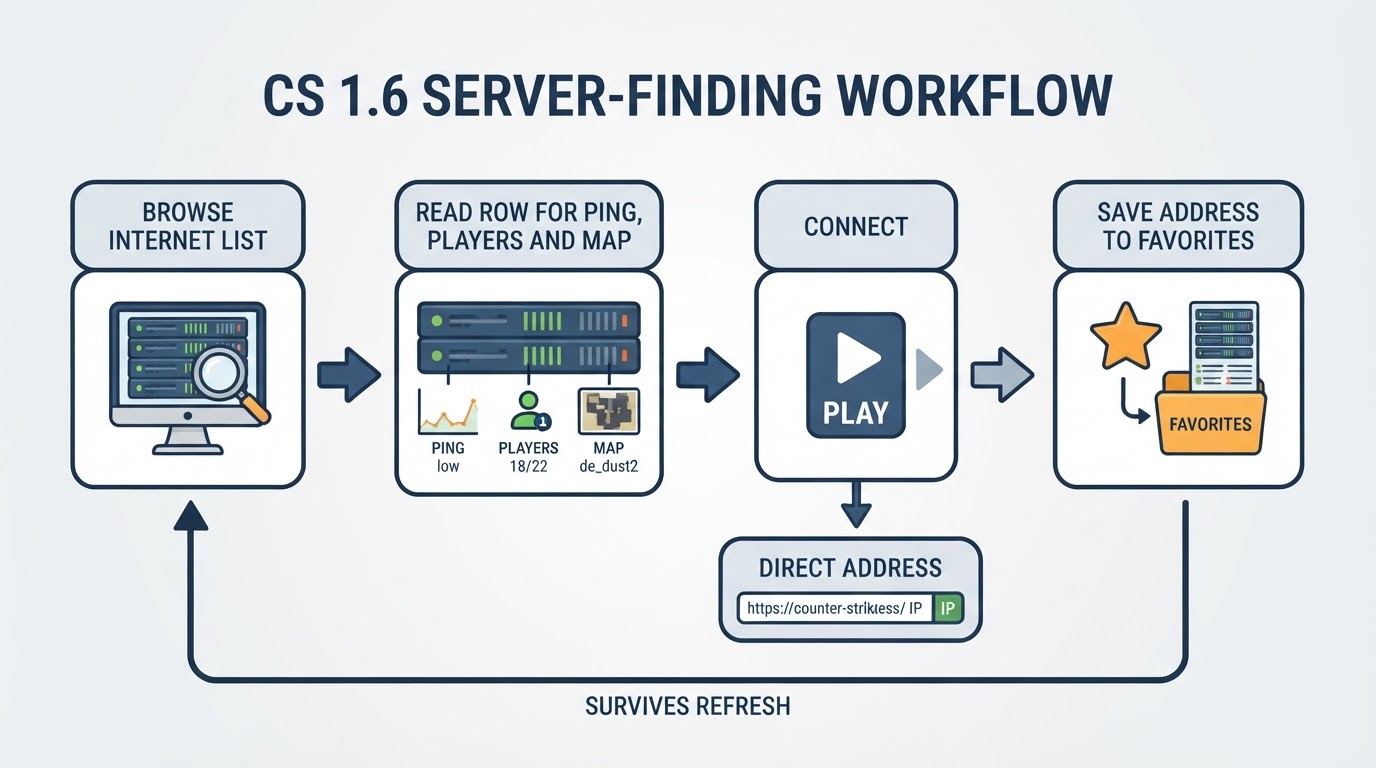
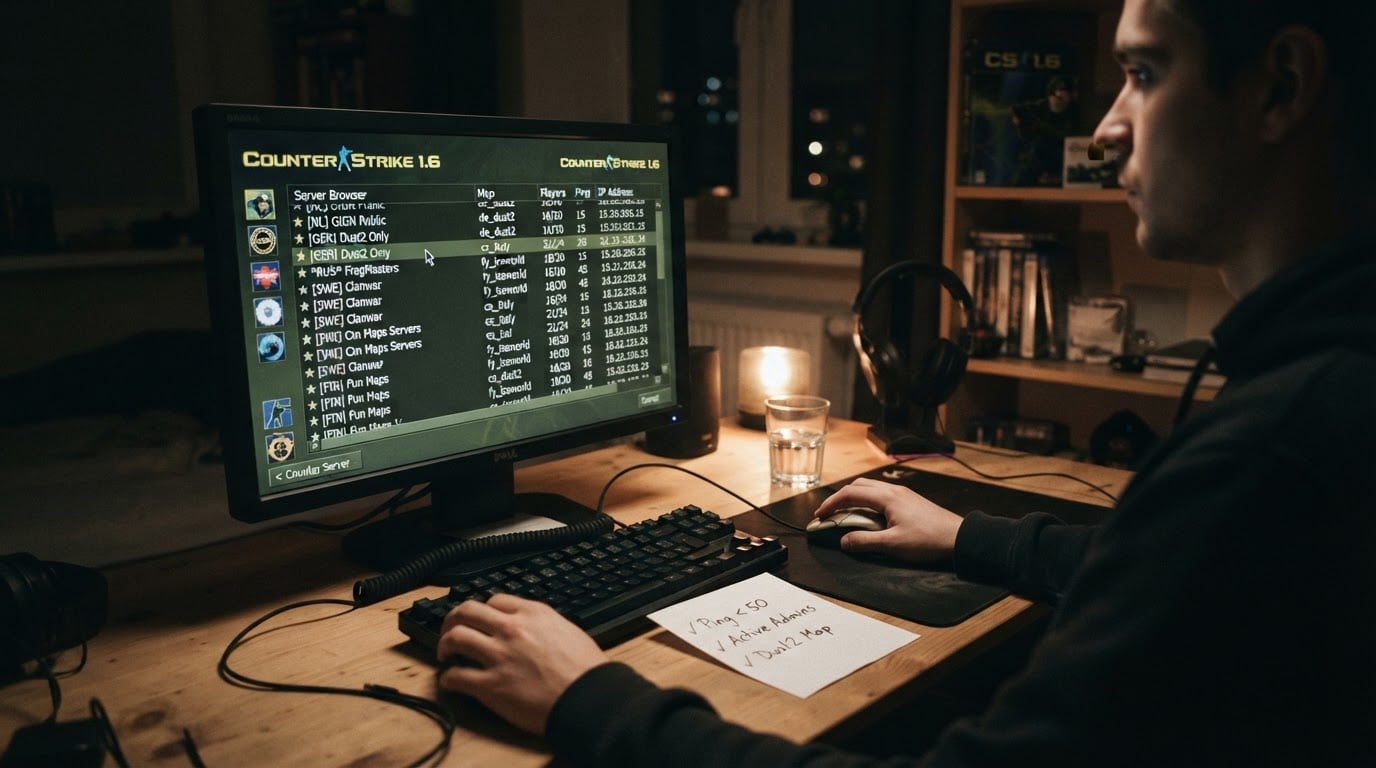
The in-game browser. The classic client's browser still does the basic job: refresh the internet list, sort by players or map, and open a server's details to see the current map and ping before you commit. Its weak points are staleness and coverage, because it depends on the master lists your build is configured to query. When the list looks empty, that is usually a client or network problem, not evidence that the game died.
Community server directories and monitors. Independent directories, monitoring sites, and top lists publish live tables with IP:PORT, current map, player count, and country, plus filters by mode and region. They are the fastest way to see what is actually populated right now. Their trade-off is placement: some rows are promoted, so the first result is not a ranking of quality.
Player communities. Forums, subreddits, and Discord servers are where you find regional servers and niche modes that big directories ignore. Recommendations there are opinionated and often outdated, so verify that an address still responds before you build a routine around it.
Whatever route you take, run the same short check before you invest an evening:
- The server responds to your connection attempt.
- The player count stays roughly consistent across two refreshes.
- The current map and mode match what you want to play.
- The rules are readable and the moderation is visible.
- Your ping stays stable once you are in.
How to join a CS 1.6 server with just an IP
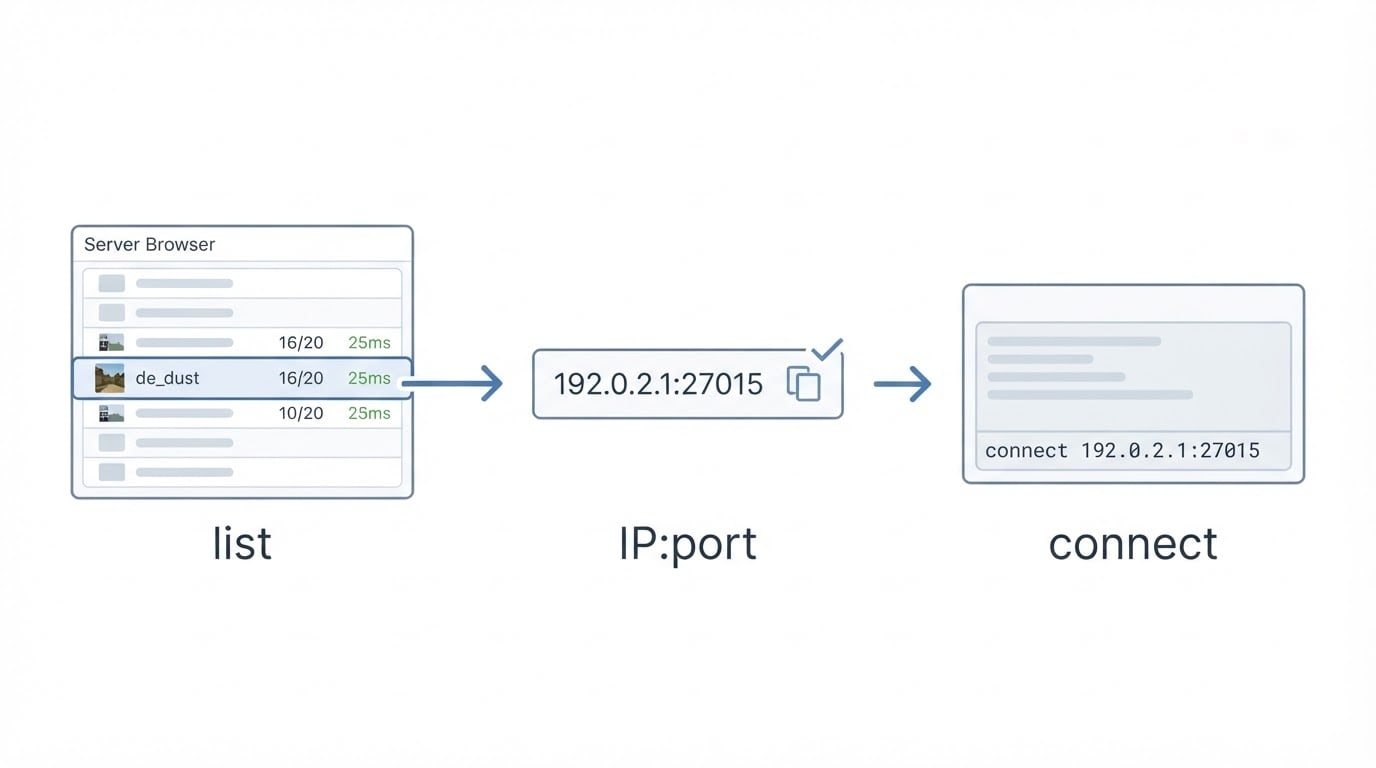
Copy the full IP:PORT, open the console, run the connect command, and save the server to your favorites so you never have to hunt for it twice.
- Copy the address exactly as the list shows it. A typical example is
192.0.2.15:27015; if a list shows only the IP, add the default port 27015. - Open the console. In most builds a key is already bound to it; if nothing opens, assign a console key in your keyboard settings.
- Type
connect 192.0.2.15:27015and press enter. The client connects directly, which is why an address still works even when the browser list is broken. - Add the server to favorites from the browser or the server-info panel. Favorites are stored locally, so they survive restarts.
- Confirm the result. You spawn into the map the listing promised, your controls and HUD behave normally, and nothing in your configuration changed without your consent.
Completion standard: you are in the right map with working controls, and the only files that downloaded are the server's own maps or models. If the connect attempt times out, retry once, check the address for typos, confirm that your client build matches, and test a second server from a different region to rule out your own connection.
Known limitations: some servers filter by region or protocol, the in-game browser goes stale, and a server that requires a custom client patch will reject a stock build. None of that means the address is fake. It means the server and your client do not agree yet.
How to tell a good server from a popular one
Popularity is a placement signal, not a quality signal, so judge servers by how they treat your client and your time.
Watch what the server does to your client. Malicious servers have long used configuration attacks known as slowhacking to change your settings, bind keys, and point your client at other servers without asking. The well-known vectors are the ones the client exposes to server-side configuration: cmd, autoconnect, gamemenu, trackerUI, and forced key binds. A clean server does not silently rewrite your configuration, and it does not need to.
Watch the population. Bots and inflated counters are the oldest trick in server listing. Compare the advertised count with what the scoreboard and the chat actually do. A server advertising a full house that plays like an empty one is not the server you want.
Watch who ranks it. This is the trade-off worth internalizing: there is no neutral ranking of CS 1.6 servers. Every list is sorted by something, whether that is paid placement, uptime, community votes, region, or one maintainer's taste. Reading a list well means knowing which of those you are looking at, then deciding whether it is what you care about.
A practical frame: decide your top two criteria first, such as region and mode or community and rules, reject anything that fails either one, and only then compare the survivors on details like map rotation, admin activity, and whether regulars you recognize keep coming back.
Free to join, paid to be seen: how money moves in this scene
Joining public CS 1.6 servers is free, and the money in the ecosystem is spent by the people running them, not by the people playing on them.
That distinction explains a lot of what you see in server lists. A server owner pays for hosting every month and needs players online, because an empty server is the one failure mode that kills a community. Promotion services exist to solve that: an owner pays to push a server into the lists players browse, so an unfamiliar address can appear next to established communities. Server boost services are a normal part of the 1.6 world, and they are also why placement should never be mistaken for proof of quality.
DownloadCS16.RO, the portal mentioned earlier, also links to top-boost.ro, a promotion service aimed at CS 1.6 server owners. If you run a server, treat visibility as one lever among several. A distinct mode, an active admin team, and a forum or chat server where regulars talk will keep players longer than any placement buys you. Promotion gets the first click; the community decides whether there is a second one.
Frequently asked questions
Getting started
Is Counter-Strike 1.6 online play free? Joining public servers costs nothing and most do not require an account. What you spend is time: getting a working client, keeping it updated, and finding servers that are actually populated.
Do I need Steam to play? Not for most public servers. A locally installed 1.6 client with its own browser and console is enough. A Steam copy is optional and useful mainly if you already own it.
Finding and joining
Where do I get CS 1.6 server IPs? From three places: the in-game browser, community server directories that publish live tables, and player communities that share addresses by region and mode. The format is IP:PORT, with 27015 as the default port.
What if the in-game server list is empty? That is almost always a client-side or network issue rather than a dead game. Test a directory address directly with the console connect command, check your firewall, confirm that your client build matches the servers you are targeting, and then retry the browser.
Quality and trust
Are Reddit server recommendations reliable? They are useful for discovering regional communities and niche modes, and unreliable as a live list. Treat a recommendation as a candidate: verify that the address responds, check the current population, and read the server's rules before committing your evening.
What does it mean when a server is boosted? It means the owner paid for added visibility in server lists. Boosted servers can be excellent, but the placement tells you about the owner's marketing budget rather than about the gameplay waiting inside.
How do I avoid malicious servers? Keep your client patched, prefer servers with visible rules and active admins, and leave any server that changes your settings or binds without asking. Review your configuration after trying somewhere new, and scan anything you installed from a third-party mirror.
The "without download" question
Can I play Counter-Strike 1.6 online without downloading anything? No. A 1.6 client has to exist somewhere on your machine before you can join a server, whether you install it from Steam or from a free kit. Browser-based shooter versions exist, but they are separate builds with their own maps and limitations, not a shortcut into the 1.6 server community.