The short answer: client first, server second
Playing Counter-Strike online needs two things to work at the same time: a game client that launches properly on your PC, and a server you can reach with a low ping. Everything else — which edition, which list, which settings — is a detail you can adjust later.
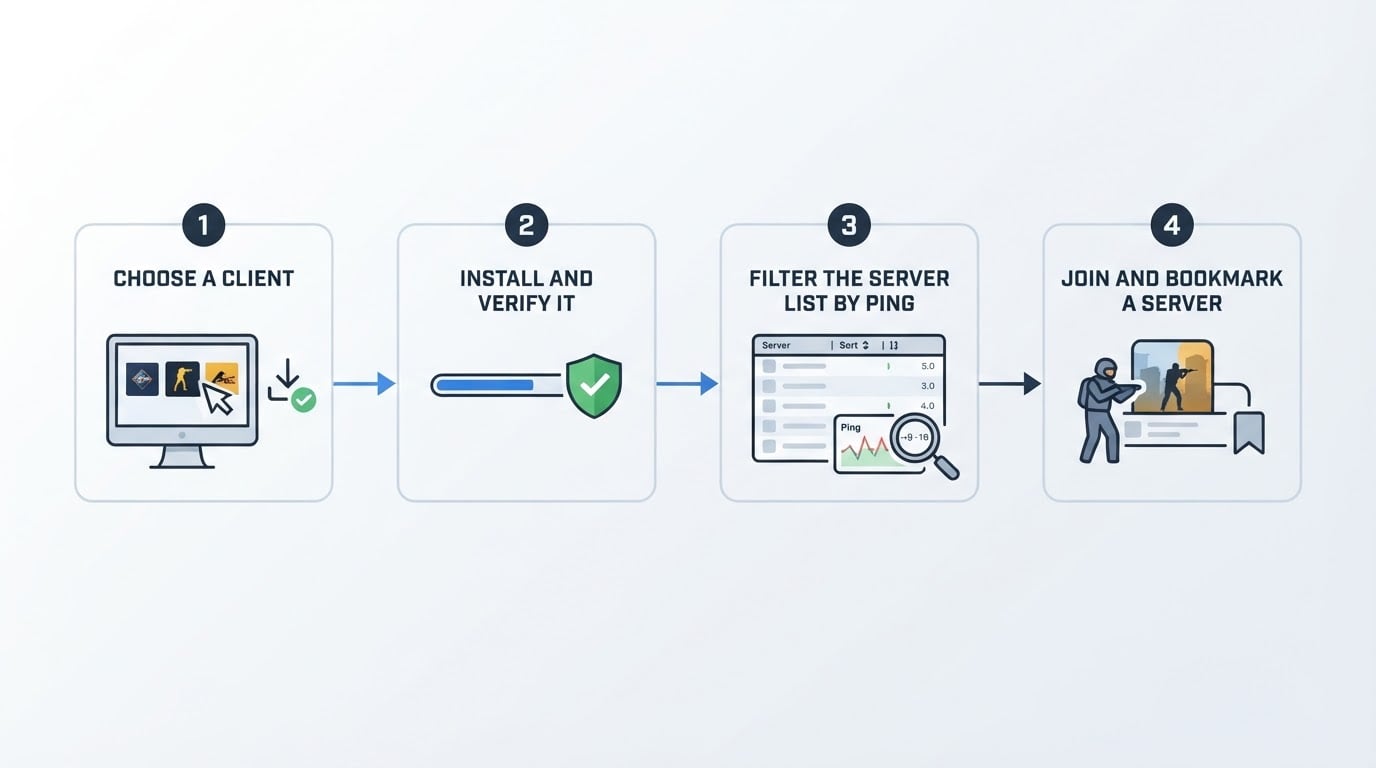
Here is the shortest complete path:
- Install a client. Use the current official Counter-Strike if you want matchmaking, or a free CS 1.6 client if you want the classic version and community servers.
- Verify the install once. Launch the game and confirm you reach the main menu without a licence-key prompt or an account gate stopping you.
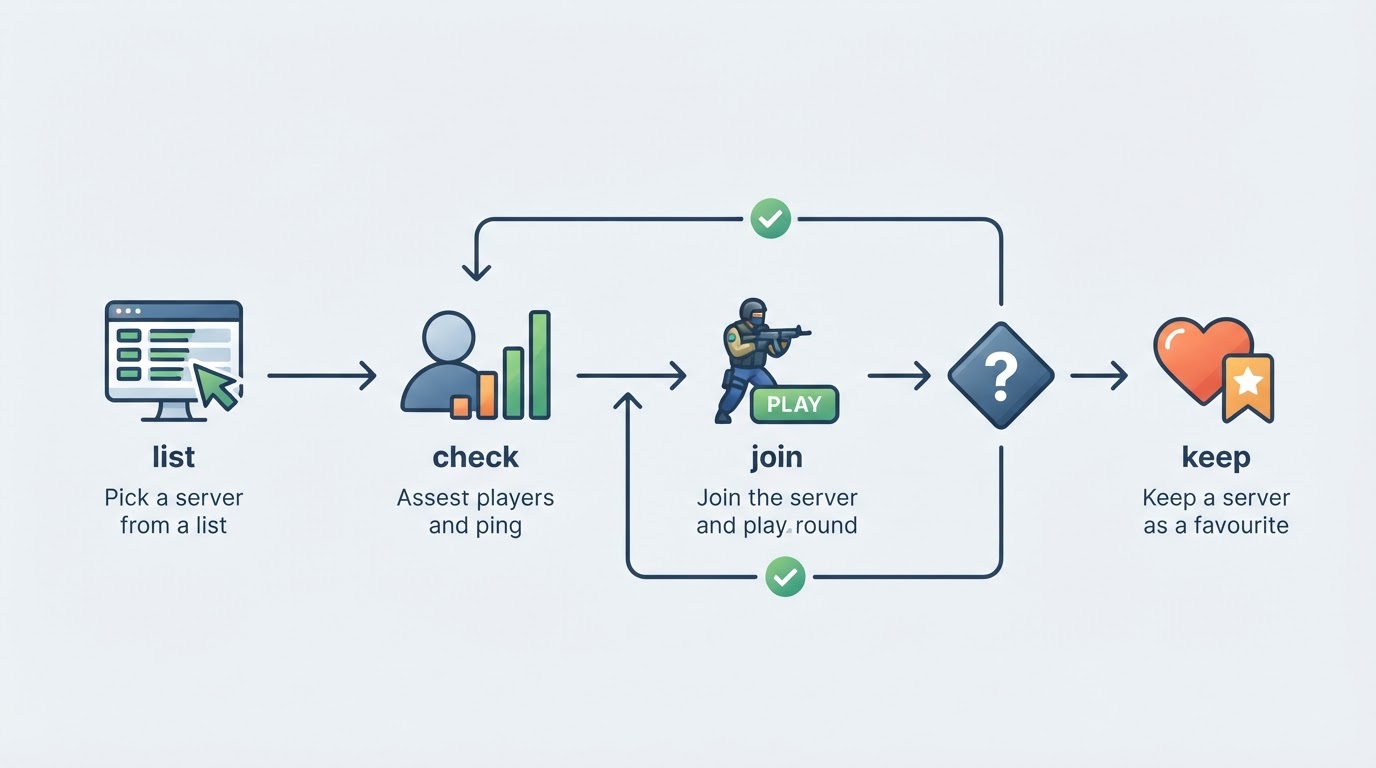
- Open the server browser and sort by ping. Not by player count — a full server on another continent feels worse than a quiet one next door.
- Join, play one round, then bookmark. If the controls and the hit registration feel right, add the server to your favourites; if not, move on.
When one of those steps fails, the fix is almost always in the step before it. A client that will not install cannot find servers, and a server on the wrong side of the world cannot feel smooth no matter how good the client is.
Step 1: choose the client that matches how you want to play
There are two realistic paths, and the trade-off between them is simple.
The current official game. Install it and you get matchmaking against players of similar skill, an updated engine, and no server list to maintain. If you just want to play Counter-Strike online tonight with as few decisions as possible, this is the path.
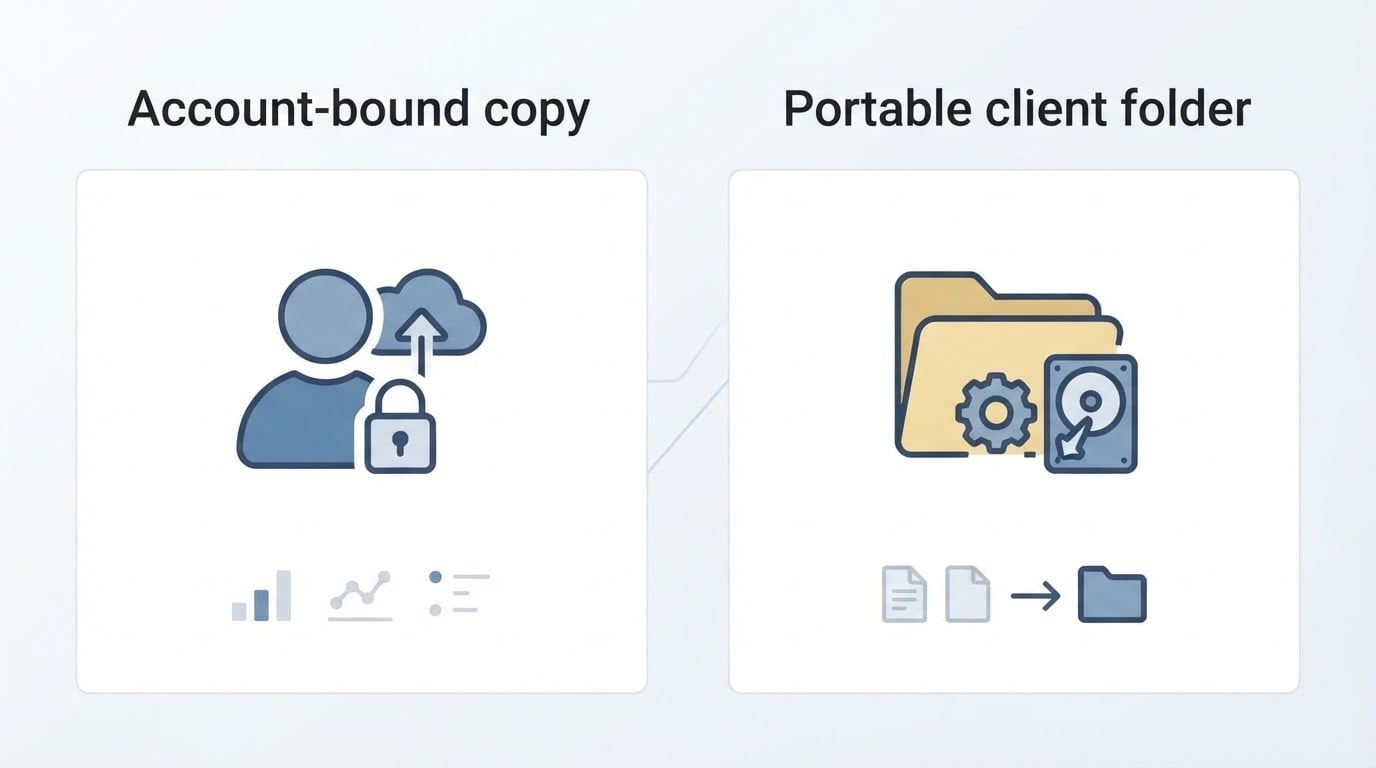
CS 1.6. The classic version runs on modest hardware, and the community servers built around it keep modes alive that the modern game does not have — respawn, zombie, gunGame, HNS, jail and more. The trade-off: there is no official matchmaking, so server lists and communities carry the whole experience, and you have to trust whoever packaged your client.
Pre-configured community builds. A large part of the CS 1.6 scene uses free packages that ship the game with models, skins and settings already in place. They are convenient, but convenient is not the same as verified — you are trusting the packager.
Before you download anything, apply the same criteria:
- Does the source explain what is inside the package and where the files come from?
- Does it ask for an account, a licence key or a payment before you can play?
- Is the download a normal direct link, or a chain of mirror pages and pop-ups?
- Does the page tell you what to do when an installer or an archive fails?
A source that answers those four questions is usually a source you can install from without gambling.
Step 2: install the client and get past the usual blockers
CS 1.6 builds generally arrive in one of two formats: a Windows .exe installer or a .rar archive. Having both is not a marketing detail — it is the difference between installing today and giving up. Installers are the format that Windows SmartScreen and antivirus tools block most often; archives are the format that needs an unpacking tool. One failure mode has a ready answer in the other format.
DownloadCS16.RO is one example of a free CS 1.6 client portal. It distributes CS 1.6 client kits in two parallel formats — a Windows .exe installer served directly and a .rar archive on a mirror — with no account, no CD-KEY and no payment involved, according to the portal's own pages. The dual-format arrangement is the practical part for a first install: when an installer is blocked, the archive is a second route to the same kit.
Complete when: the game reaches its main menu, the server browser opens, and you can join one server without a licence prompt.
If it does not get that far, work through the common blockers:
- The installer is blocked or deleted by antivirus. Allow the file, or take the archive version instead.
- The archive will not open. Install an archiver, then extract to a folder before running anything.
- The game launches but the server list is empty. Clear your filters first, then check that the client's server list is not pointing at an outdated master server.
- The game runs but the mouse feels wrong. Check the resolution and the sensitivity in the options menu before you blame the server.
Installation problems are almost always format, filter or file-permission problems, not evidence that the client itself is broken.
Step 3: find a server you can actually play on
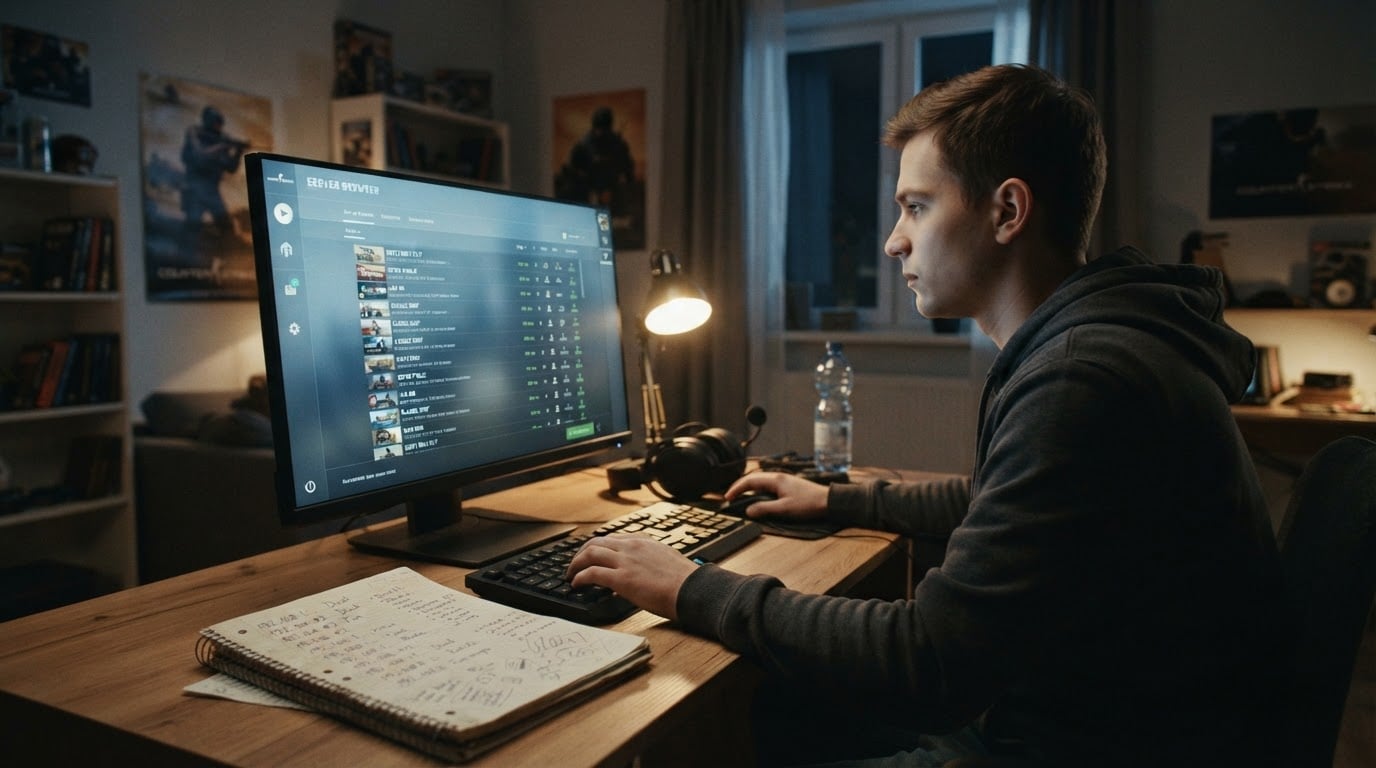
The in-game server browser is where most players live, and it rewards a little discipline.
- Sort by ping first. Lower is better, and servers in your own region are usually the only ones worth bookmarking.
- Use the filters. Country or region, map, and free-text search beat scrolling through hundreds of rows.
- Build a favourites list. Five or six reliable servers beat re-scanning the list every evening.
- Fall back to community lists. Country forums, Discord servers and tracker sites publish active server lists when the in-game list is thin.
Once you join, read the room before you invest a session:
- Read the server name. Respawn, zombie, gunGame, HNS and jail communities each play differently; join the one you actually want.
- Watch what happens to your settings. Some servers run scripts that rewrite your binds, your config or your menu the moment you connect. If your controls change on their own, disconnect and pick another server.
- Check that the server is alive in the way that matters. A high player count is not the same as a good match; look for rounds actually running and an admin who responds.
- Keep a backup of your config. It costs nothing and it turns a bad server into a two-minute inconvenience instead of a reinstall.
The limitation worth accepting early: a great client cannot fix a bad server list, and a famous server is not automatically a good one. The list only tells you who is online, not who plays well.
Step 4: if you run a CS 1.6 server, visibility is the hard part
Most CS 1.6 servers do not die because they are badly configured. They die because nobody sees them. A server has to appear somewhere a player is already looking:
- the game's internet server list;
- the in-game menu and favourites lists;
- community top lists and tracker positions;
- regional Discord and forum posts.
The free levers are real. A clear server name, tags that describe the mode, a map rotation with a point to it, an admin who shows up, and regular events all move players. None of them work if the server is invisible in the first place.
That is the gap paid promotion fills. The team behind DownloadCS16.RO runs top-boost.ro, a CS 1.6 server-promotion service — one example of a category that sells placement rather than gameplay. If you consider it, judge the offer on these criteria:
- Which lists the placement appears in. "Boosted" means nothing if it lands on a page nobody in your region reads.
- How long it lasts and how it renews. You want a defined period, not a listing that quietly expires.
- How many servers share the slot. A placement shared with dozens of other servers competes with itself.
- Whether you can measure the result. Record your average player count for a week before and after, and renew only what moved the number.
Complete when: you can open the list yourself, find your own server in it, and see your player count move in the direction you expected. Until then, the promotion is only a promise.
Common follow-ups
Can I play Counter-Strike 1.6 online for free? The free client builds and the community servers around them do not charge you to play; what they cost you is the attention you pay to the download source.
Why is my server list empty? Filters, region settings and outdated server lists account for almost all of it. Clear the filters, widen the region, and try a community list before you reinstall anything.
Is CS 1.6 still worth it? If you want matchmaking and a modern engine, no. If you want the classic movement, old hardware support and mode variety, the community is still running — just smaller than the current game.
What is slowhack? It is the practice of a server forcing changes on your client — binds, config, menu — without asking. The defence is simple: keep your own config backed up, and leave any server that changes your settings when you connect.
How do I lower my ping? Pick servers in your region, close background downloads, and prefer a wired connection over wireless when the option exists.
What to do next
Install one client from a source that explains itself, verify it once, and let the server browser do the rest. If you run a server, treat visibility as a separate job from running the game, test any promotion before you scale it, and keep the player count as the only measurement that matters.