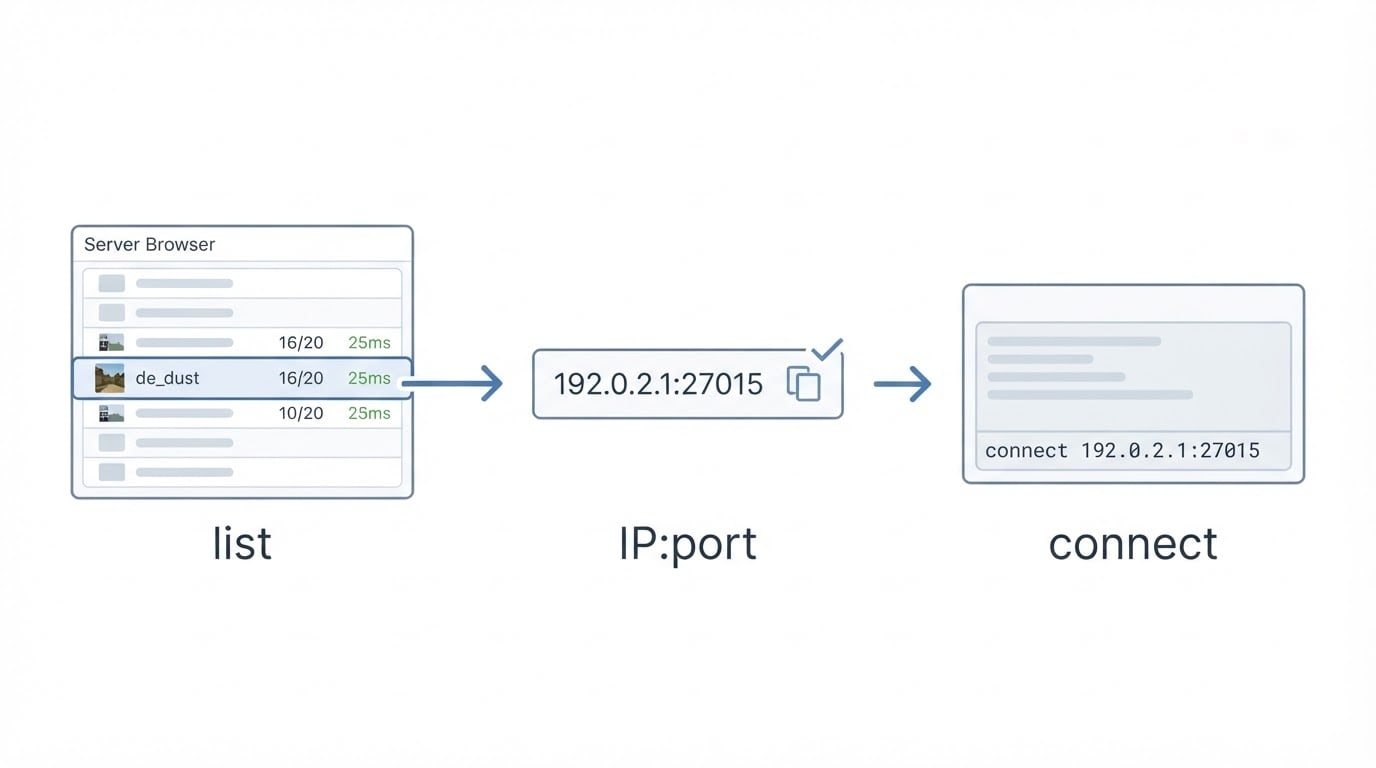
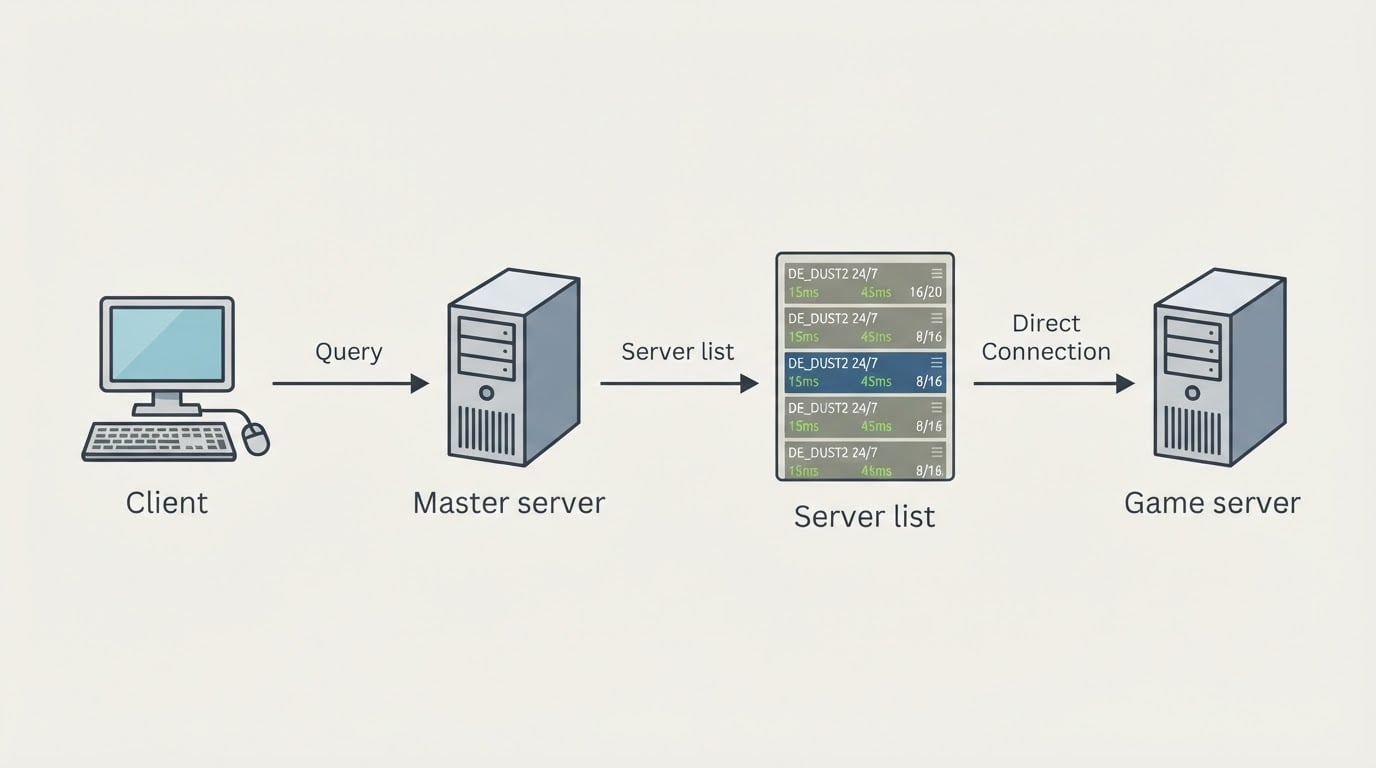
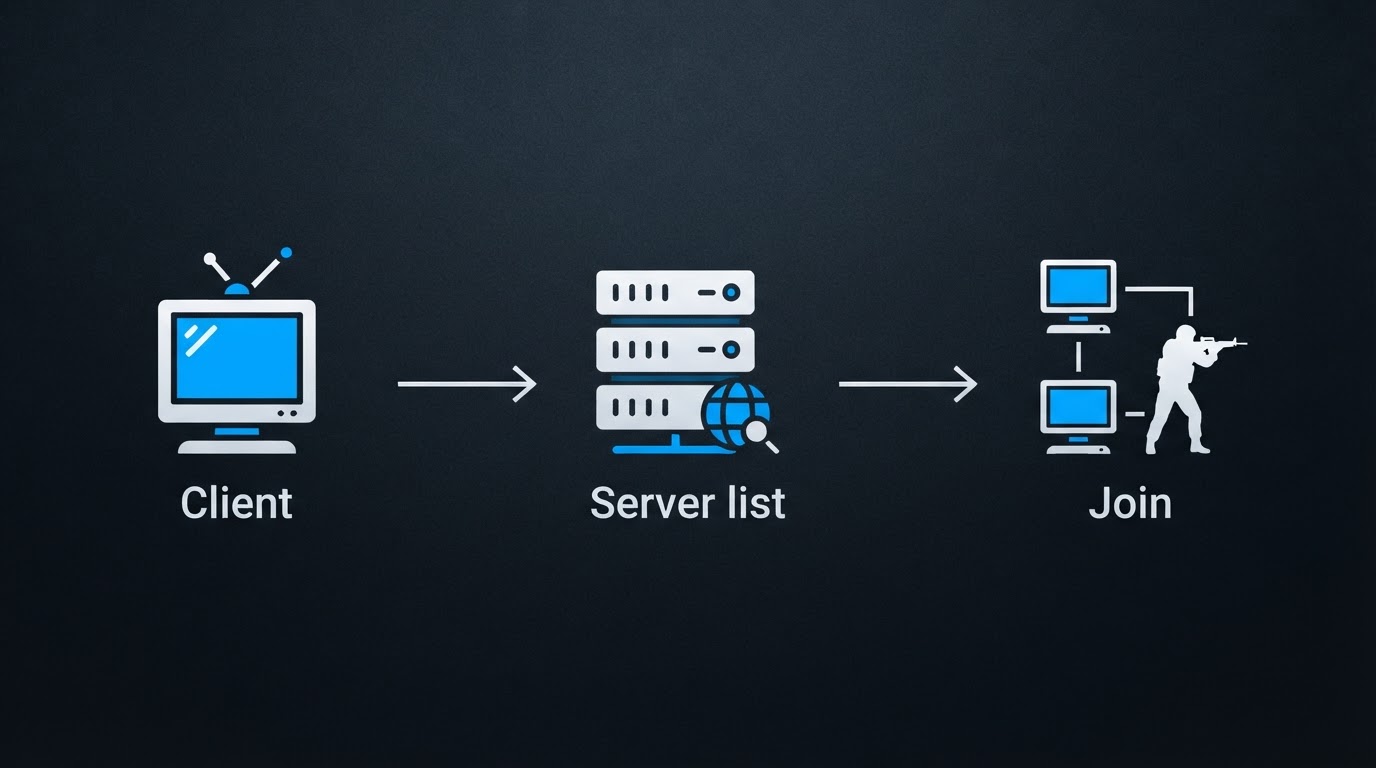
What you are connecting to
Counter-Strike 1.6 is still played on community servers. Someone rents a machine, installs a 1.6 server, adds maps and plugins, and publishes an address so players can join. Servers are run by communities and independent operators, so finding one means reading a list, filtering it, and keeping the addresses that work.
Two consequences matter before you click anything:
- A listing is a claim, not a guarantee. The name, player count, map and ping in a browser row are supplied by the server itself.
- A server can interact with your client. GoldSrc servers can push configuration through plugins, and that is the source of most of the bad experiences players report from 1.6.
Keep those two facts in mind and the rest of the process is mechanical.
Step 1: Use the in-game server browser
Every 1.6 client ships a server browser. Open it, then:
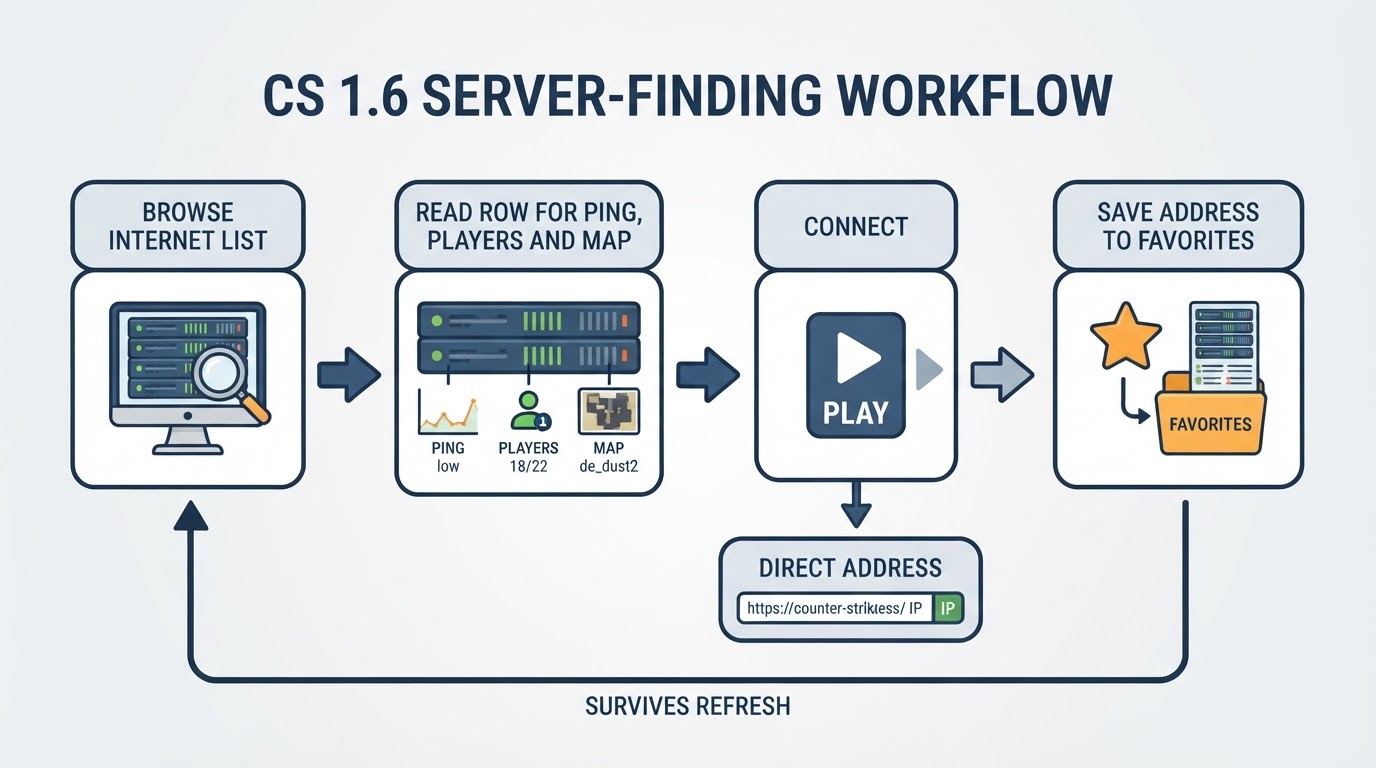
- Switch to the Internet tab and let it refresh. A list that looks empty on the first pass is usually still loading or filtered, not proof that nobody plays.
- Sort by players first, then by ping. A busy server at 200 ms is worse to play on than a quiet one at 30 ms.
- Filter for the map or mode you actually want. If the server name advertises a mode, the filter list will usually match it.
- Refresh once more before you commit. Player counts change quickly, and a stale row wastes a join.
If the Internet tab stays empty, check three things before blaming the game: your filters, your firewall, and the version of the client you are running. A client that speaks a different protocol can fail to see, or fail to join, servers that work for everyone else.
Step 2: Read the row before you join
The browser gives you more information than most players use:
- Players shows how full a server is. Watch the number for a minute. Counts that climb in perfect steps are often bots rather than a live crowd.
- Ping is the round-trip time to the server. Under roughly 60 ms feels immediate; past about 120 ms you will notice the delay in fights. Treat both numbers as rules of thumb.
- Map tells you what you will play first, not what the rotation holds.
- Server name usually carries the mode and the rules.
The mistake here is treating position or player count as quality. A server can buy its place in a listing and still be empty ten minutes later, while a low-ranked server with eight regulars can be the best game running. Placement is a marketing decision; whether the gameplay is good is a different question, and only joining answers it.
Step 3: Connect directly when the list will not cooperate
If a server does not appear in the browser, or disappears mid-refresh, skip the list:
- Open the console with the
~key. If nothing happens, enable the console in your client options. - Type
connectfollowed by the server address and port, separated by a colon. The default port is 27015, so most addresses end with it. - If the join fails, run
retryonce. If it still fails, the server is full, password-protected, offline, or configured in a way your client cannot match. - Add the address to the Favorites tab by hand. Favorites survive browser refreshes and are the most reliable way to return to the same server.
Keep the address somewhere outside the game as well. Servers move hosts, and an address you saved is worth more than a name you half-remember.
Step 4: Check what a server can change before you trust it
This step separates a good session from a broken install. Community reports describe servers and their plugins rewriting a player's configuration without permission: forced key binds, commands that reconnect you to another address, menu scripts, and altered crosshairs or sensitivity. Left alone, that can leave your setup unplayable until you repair it.

A short pre-flight check prevents most of it:
- Back up
config.cfg, and any custom user config your client loads, before you try new servers. - Prefer servers that have run for years and that friends or community lists name.
- If your binds or crosshair change after a join, disconnect, restore the backup, and do not go back.
- Apply the same suspicion to downloads. If a client has no page explaining what it contains, it is not worth the risk.
Some community clients ship a protection layer instead of leaving the work to you. One example: the free client library at DownloadCS16․RO describes its kits as including updated anti-slowhack methods aimed at the common vectors — cmd, autoconnect, gamemenu, the tracker UI, and forced binds — together with an internet server list that the team says it filters and verifies. Read that as a supporting example, not a replacement for the checks above: no protection layer removes the need to keep your own backup.
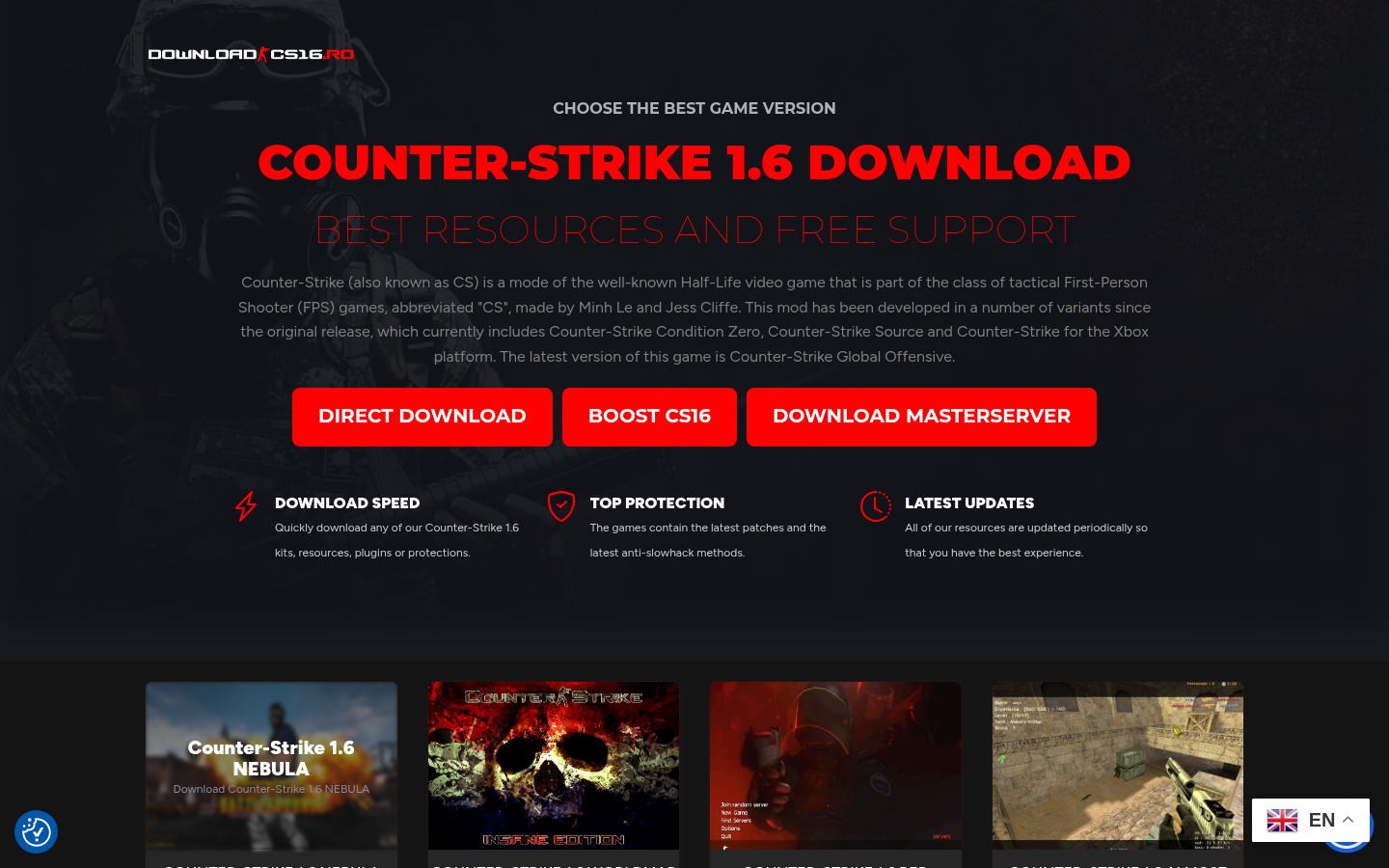
Full homepage landing page showing hero section (CHOOSE THE BEST GAME VERSION / COUNTER-STRIKE 1.6 DOWNLOAD), three CTA buttons (DIRECT DOWNLOAD, BOOST CS16, DOWNLOAD MASTERSERVER)
Step 5: For server owners, visibility and retention are different jobs
If you run a server, the journey above is your acquisition funnel. Players find you in a list sorted by activity and ping, join once, and stay only when the first five minutes are good. Three levers follow from that:
- Be visible where the list is sorted. Rows with no players sink to the bottom, so a quiet server stays quiet. Seed it with a small group at a fixed hour instead of waiting for random joins.
- Be findable by name and address. Put the mode and the region in the server name, keep the IP stable, and make sure the server registers with the listing services your players use.
- Buy placement once the free levers are exhausted, and know what it buys. Paid promotion exists across the ecosystem; the operator behind DownloadCS16․RO also cross-promotes a CS 1.6 server-promotion service on top-boost.ro. Placement raises the chance that a player sees your row. It does not raise the chance that they stay. A stable ping, fair administration, and a map rotation people enjoy do that.
Trade-offs and mistakes worth knowing
- Boosted does not mean better. A paid placement is an advertisement. Judge a server on ping, players and behavior.
- Player count is not population. Bots and idle clients inflate it. Watch the number change before you trust it.
- A server list is not a permanent directory. Listings come and go, communities age, and servers retire. Favorites plus a copy of the address is the durable setup.
- Free clients vary in quality. Pre-configured builds save time, and the community has warned for years about lookalike mirrors and bundled unwanted software. Treat any executable the way you would treat a download from a stranger.
- One bad join is recoverable. If a server rewrites your configuration, restoring the backup solves it. It is a config problem, not a corrupted installation.
Quick answers
- Which client version do I need? One that speaks the same protocol as the server. If one server rejects you while others work, the mismatch is usually on your side.
- Why is the server list empty? Filters, firewall, or a stale browser state. Try a direct connect, then refresh.
- Why do my settings change after some joins? A server-side script rewrote them. Restore the backup and avoid that server.
- How do I keep playing on the same server? Add it to Favorites by address and keep a copy of that address outside the game.
The short version
Start with the in-game Internet list, sort it by activity and ping, and read the row before you commit. When a server misbehaves, disconnect and restore your backup. When you run a server, treat visibility and retention as two separate problems: one can be bought, the other has to be earned.