The short answer
If you want the shortest path and a copy that shows up in a platform you already log into, take the Steam route: you pay once, the files come from the platform operator, and updates are somebody else's problem. If you want the classic 1.6 feel without paying, and you are willing to spend ten minutes checking the source and the package, a free client from a portal with a real operator behind it is a workable alternative.
The two paths are less different than the arguments around them suggest. The game underneath is the same. What changes is who packaged the files, who keeps them current, and how much of the checking you do yourself.
Disclosure: this guide is published by the team behind DownloadCS16.RO, one of the free client portals it discusses, so treat the section about that portal as vendor material rather than as an independent test.
The four questions that decide it
When people search for counter strike 1.6 steam, this is usually the decision they are making: buy the game on the platform, or take a free build from somewhere else. Most of that decision fits into four questions:
- Provenance: who published these files, and can you identify a real operator behind the page?
- Control: can you inspect what you install, and can you copy or back up the folder yourself?
- Updates: who keeps the client current, and what happens when they stop?
- Exposure: what can a hostile server, or a bundled extra, do to the machine you play on?
Question | A Steam copy | A third-party free client |
|---|---|---|
Files come from | Valve's storefront | A portal, community, or mirror |
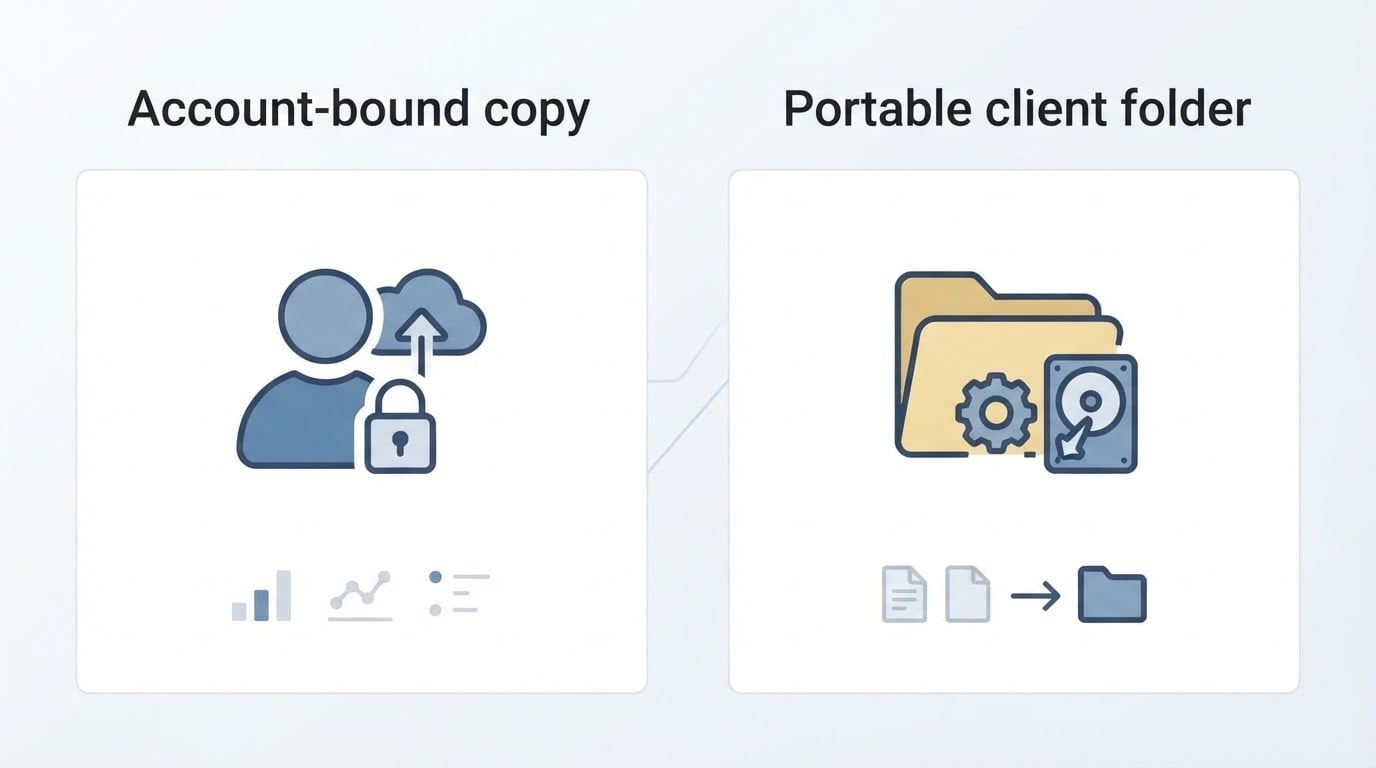
Tied to | A Steam account | A folder on your disk |
Updates | Handled by the platform | Depends on the operator |
Vetting | Outsourced upstream | Done by you |
That last row is the whole trade. The paid route buys convenience and a distribution trail. The free route buys portability and zero cost, and asks you to pay for it in attention instead.
What the Steam route actually changes
Steam is Valve's own storefront, so a copy from there is tied to a Steam account and the files come from the platform operator rather than from a third-party mirror.
For plenty of players, that is the point. You never have to judge a download page, the install sits in a library next to everything else you own, and the platform is the one shipping the patches. If your machine dies, you have a clean source to reinstall from, and you do not have to wonder whether the build you are running has drifted away from the released game.
The trade-offs are just as real. The copy lives with the account rather than in a folder you can copy to a second machine or hand to a friend. You pay for it, and prices, bundles, and regional availability change often enough that the store page is the only authority on what it costs today. Check that page for your own region instead of trusting a guide, including this one.
If you already keep a Steam library and you mix old and new games, this route removes almost all of the work. You are paying to skip the checks in the next few sections.
What the free client route actually changes
A free Counter-Strike 1.6 client is assembled by somebody other than the game's publisher: a community builder, a server operator, or a download portal. In exchange for no payment, these builds often offer things a store listing will not, such as a pre-configured install with a ready server list, a themed menu, or a version trimmed for very old hardware.
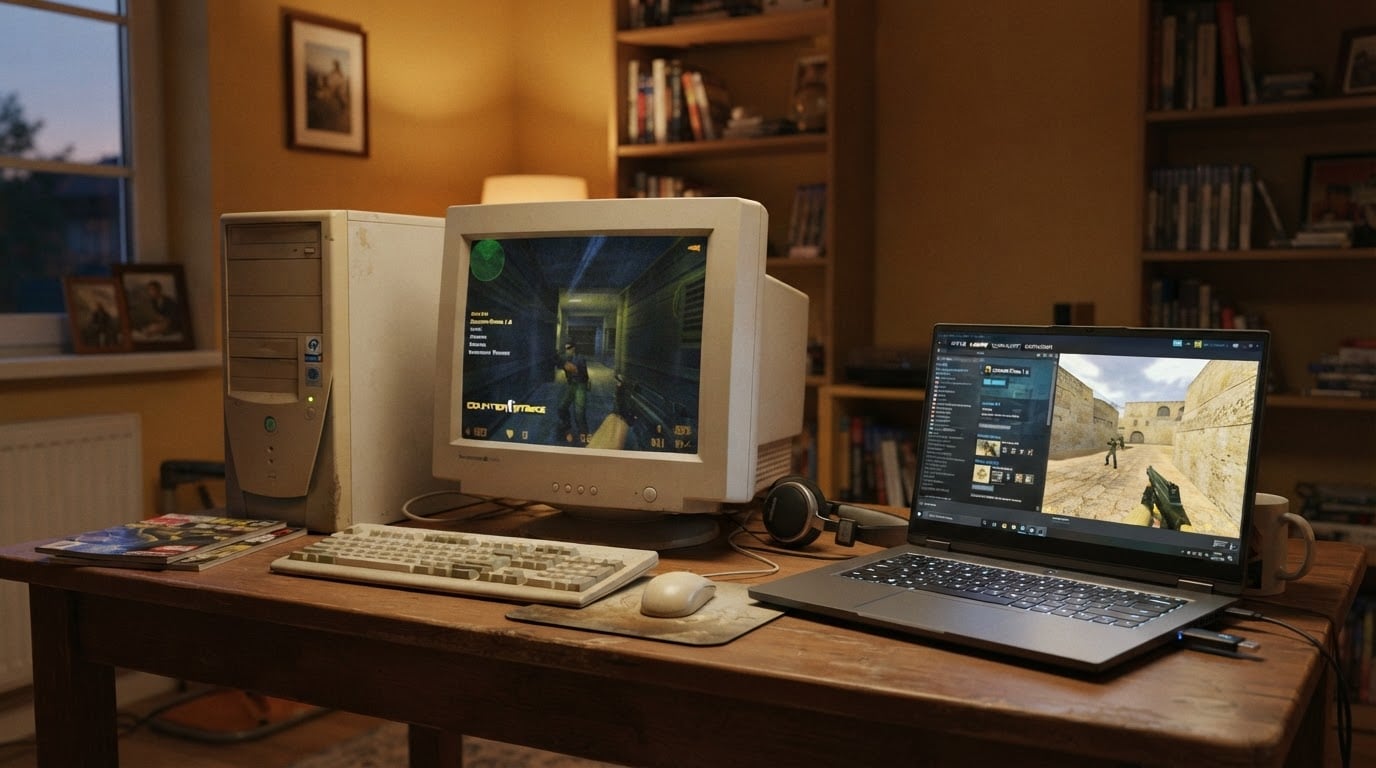
The upside is portability. A client that arrives as a folder is easy to back up, easy to copy to another PC, and easy to keep on a USB stick. Nothing about it depends on an account staying in good standing, and nothing about it expires.
The cost is that you inherit the vetting. Nobody upstream is inspecting this build on your behalf, and the same environment that keeps 1.6 fast and light also makes it easy for a hostile server to push commands into your configuration. That is a distribution problem rather than a software problem: a paid copy does not fix a careless habit, and a free client is not automatically unsafe.
Where a portal like DownloadCS16.RO fits
DownloadCS16.RO is a Romanian portal that publishes free Counter-Strike 1.6 client kits for Windows and says the kits ship with updated anti-slowhack patches and a checked server list.
Its own description positions the kits as close to the original release: the same models, sounds, sprites and design, delivered either as a Windows installer or as a .rar archive, with no CD-KEY and no account required. The site also says its builds run across Windows versions from XP through 11 and are tuned to stay light on old hardware. Treat those as the operator's claims rather than as independent findings. They are specific, they are testable, and testing them costs a few minutes.
The same team runs top-boost.ro, a paid service that promotes CS 1.6 servers. That is a separate product from the free download, and it matters here only as context: if you ever run a server of your own, you will meet that model of paid placement somewhere in the 1.6 scene, with or without this portal.
Where it makes sense: you want the classic presentation, no payment, and a page that is still publishing updates. Where it does not: you need a licensing trail, you depend on account-level integrations, or you are not comfortable running an executable that came from a third-party portal at all. Neither answer is wrong. They are different kinds of risk, and only you know which one you would rather carry.
Three checks before you run any CS 1.6 client
Whether you take the store route or the portal route, the same checks apply. They take about ten minutes, and they settle most of the arguments people have about safe downloads.
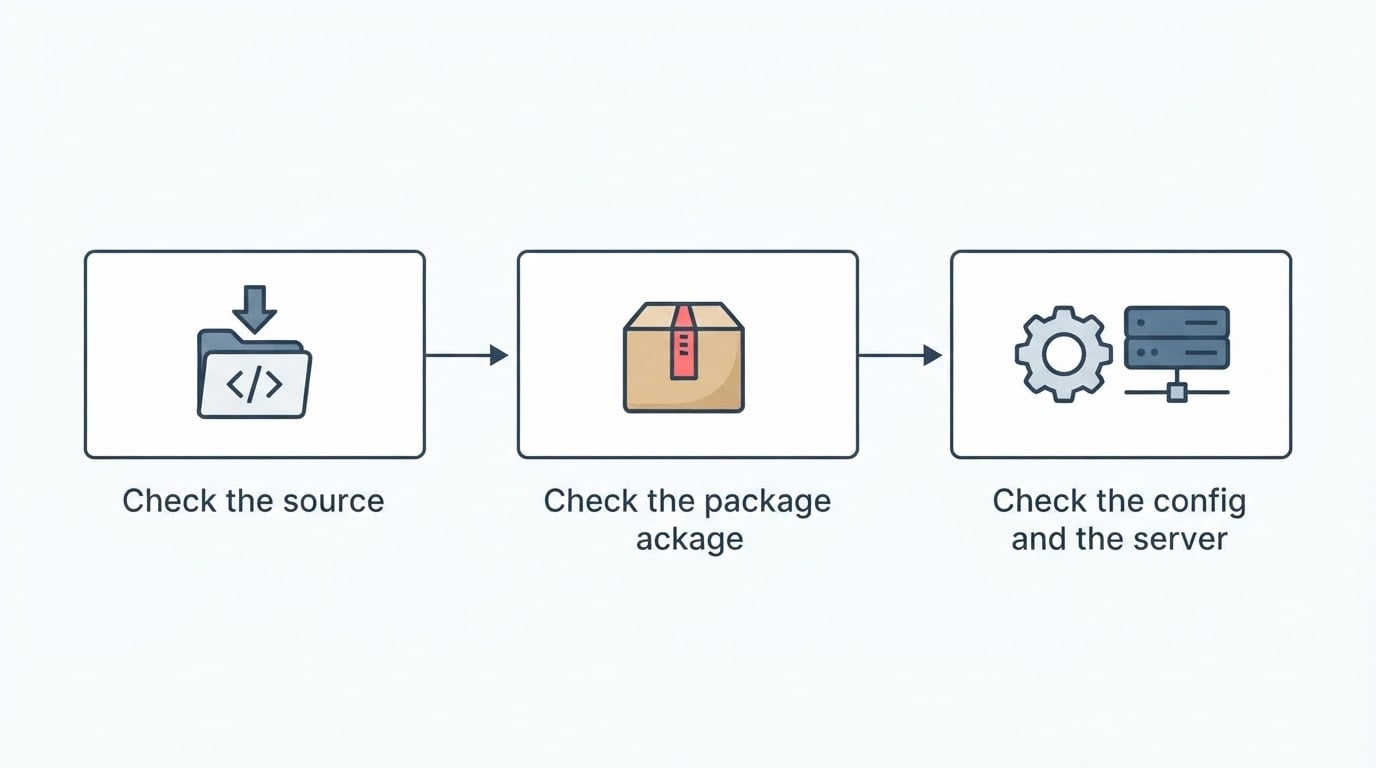
1. Check the source. Who is behind the page? Look for an operator page, a contact route, and a version history that goes back further than a few weeks. A portal that hosts its own files is a different proposition from one that only collects links to other hosts: the first owns the file it ships, while the second may be pointing you at a mirror that changed yesterday.
2. Check the package. Confirm the format you expected and the rough size, because a game client is not a mystery bundle when the game itself is small. If the page publishes a checksum, use it. Before you run an installer, scan the file, and if anything about the download feels off, open it in a virtual machine first. Decline bundled extras, toolbars, and boosters that arrived with a game client.
3. Check the config and the server. Back up your settings file before you join anything new, then look at it again afterwards. If a server wrote commands you did not set, such as automatic reconnects, forced key binds, menu entries that execute commands, or tracker settings, you have found a server that edits your client for you. Drop it and move on. The attack vectors usually named in this context are cmd, autoconnect, gamemenu, trackerUI and forced binds, and the protection features in most free kits exist because those vectors are still in use. A client that ships with patches for them starts you ahead, but it does not excuse skipping this check.
Trade-offs the download page will not mention
Account-bound versus portable. A purchase follows your account, which is convenient until you want the game on a machine you cannot log into from, or you want to hand a working install to someone else. A client folder follows the disk instead.
Updates versus abandonment. A store listing outlives a fan page. Free kits depend on an operator who keeps republishing them, and some of those pages go quiet without warning, which leaves you holding a build that still works but no longer changes.
Weight. Themed kits carry custom skins, models and sounds, so a decorated client is heavier than a bare install. That matters on a small SSD and on a metered connection, and it is one reason the plainest build is sometimes the best default.
Whose server list you start with. A curated list saves you twenty minutes of hunting for populated servers, but it also reflects one person's judgment about what a good server looks like. A store copy starts with the default list and you build your own.
The servers do not care. Once you are in, both paths connect you to the same public servers. The choice is about how the files reach your disk, not about who you end up playing with.
Which path fits you
- You already use Steam and you value convenience: buy it there and let the platform handle the checking.
- You want the classic experience with no payment: a free client is the sensible start, as long as you run the three checks.
- You are putting an old PC back into service: the free route is often the easier fit, and the site above advertises support from XP through 11 with modest memory needs, which is worth verifying on your own machine.
- You need a receipt or an account trail: the store route is the only one that provides it.
- You keep a toolkit on a USB stick: the portable client folder wins, because you can carry it to any machine without signing in.
Common follow-ups
Do I need a CD-KEY for a free client? Portals like the one above say no, and they describe no account requirement either. Confirm it on the page you download from before you install anything.
Will a free client break an existing install? Only if you let it write over one. Keep each client in its own folder, keep your settings file backed up, and you can run both side by side without either one touching the other.
Is it safe? Nobody can promise that about a download you have not inspected yet. What you can do is shrink the uncertainty: check the operator, check the package, and check what servers do to your configuration. Those three checks remove the failure modes that actually show up in practice, and they work just as well on a paid download.
Can I switch later? Yes, in either direction. Nothing about a client folder stops you from buying the game afterwards, and nothing about a purchase stops you from keeping an old build on a spare machine for LAN nights.
Bottom line
The choice is not between a good copy and a bad one. It is between two trust models: one where a platform owns the files and you accept its terms, and one where you own the files along with the checks that come with them. If you want the classic game without paying, and you are willing to spend ten minutes verifying what you downloaded, start with a well-run free portal, run the three checks, and keep a backup of the installation that works. If you would rather the decision cost you nothing but money, the store route is still the simplest answer.