What playing CS 1.6 online actually requires
Counter-Strike 1.6 still runs online, but "playing online" is not one action. It is three: a 1.6 client installed on your PC, a working route to the internet server list, and at least one server worth joining. Configs, binds, skins and rank pages are optimisations on top of those three.
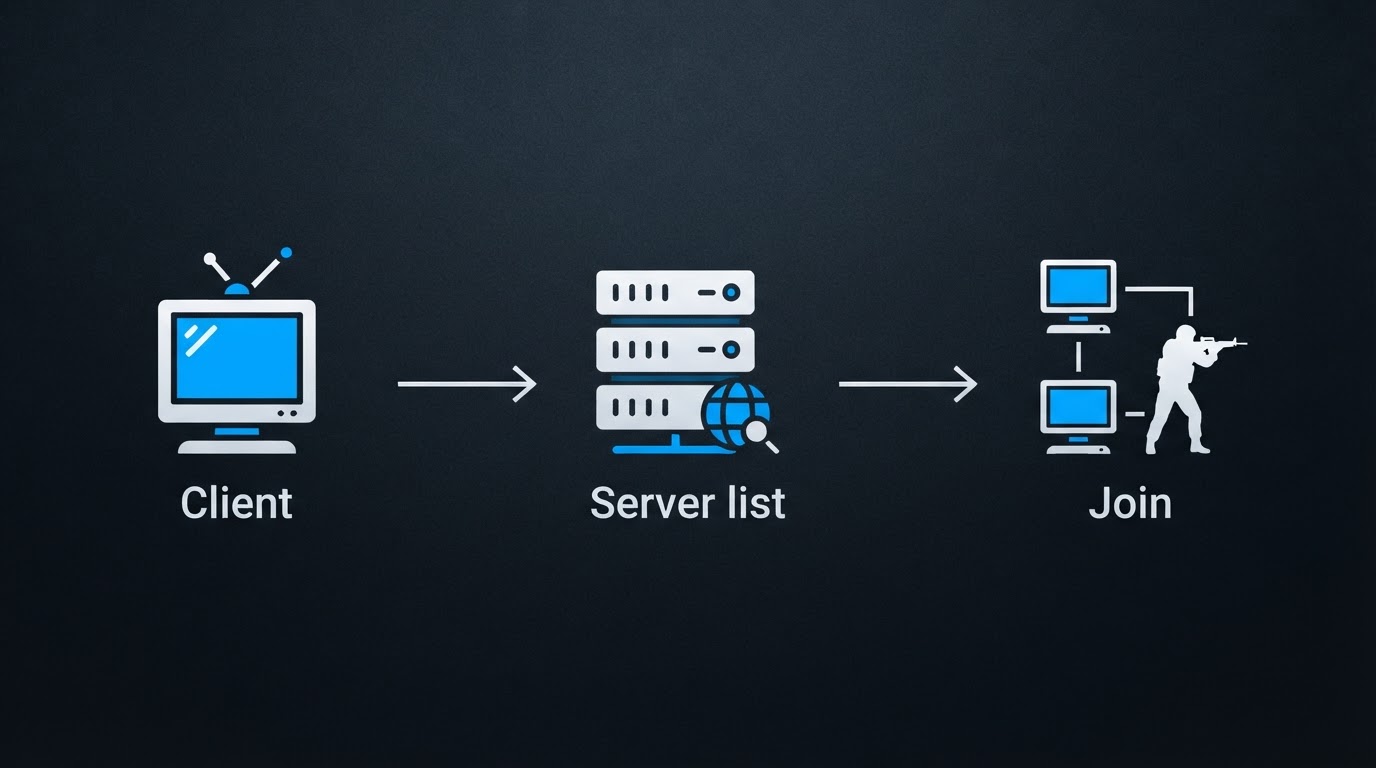
None of them demands modern hardware. The game runs on machines that would struggle with a modern browser tab, and a stable connection matters far more than a fast one. The two decisions that actually change your experience are where the client comes from and how you choose servers.
There are two routes to a client. The official route is Steam: the game installs into your library, updates itself, and connects to VAC-protected servers. The community route is a pre-configured build published by a scene portal — a free download that already contains custom menus, skins and player models, packaged as a Windows installer or archive. Each route has a cost. Steam costs money and gives you the client as it exists today; community builds are free and closer to the "as it was" feel, but you are trusting whoever packaged them.
Step 1: Choose a client source you can name
The most common mistake with CS 1.6 downloads is treating a search result as a source. Lookalike mirrors copy the layout of real portals and monetise through bundled installers and forced ad redirects. A usable source has three properties: you can name the site behind it, it publishes install and fix instructions next to the download, and it gives you a file you can inspect before running.
Community portals usually ship the same build in two formats: a Windows .exe installer and a .rar archive. Take the one that matches how you want to install. The installer handles shortcuts and registry entries; the archive is the better choice if you want to unpack the client into a folder yourself and keep it portable. Portals like DownloadCS16.RO publish free pre-configured CS 1.6 kits this way, which is how plenty of returning players get a working client without buying the game again.
Whichever file you pick, scan it before you run it, and never switch off real-time protection to make an installer cooperate. A legitimate client does not ask you to weaken your system first.
Step 2: Install into its own folder
Give the game a dedicated directory such as C:\Games\cs16 instead of letting it land inside Program Files. Older installers behave better when they can write to their own folder, and a self-contained install is trivial to back up, copy to a second machine, or delete when you want a clean start. If Windows warns you about an unknown publisher, that warning is expected for a freeware build; the decision about trust was made when you chose the source, not when the dialog appeared.
On first launch, work through a short setup before going anywhere near a server: set the resolution to your monitor's native value, choose fullscreen, dial in mouse sensitivity, pick a crosshair you can actually see, and bind the keys you use constantly — buy menu, walk, crouch and the console. Then start a local game and confirm that sound, mouse input and video all behave. It is much easier to fix those offline than mid-round.
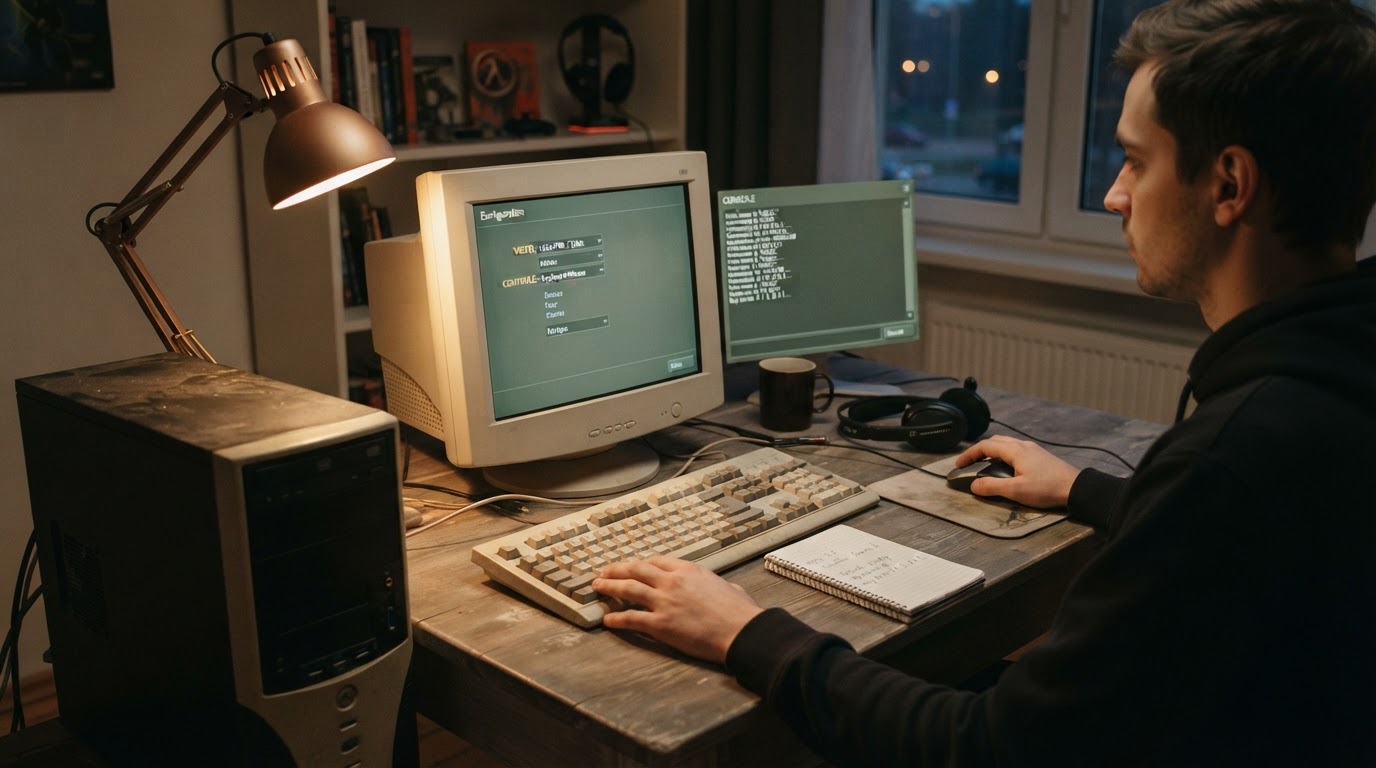
Copy config.cfg and userconfig.cfg out of the game folder to a safe location. The reason becomes obvious further down, in the section on server-side attacks.
Step 3: Treat the server list as a filter
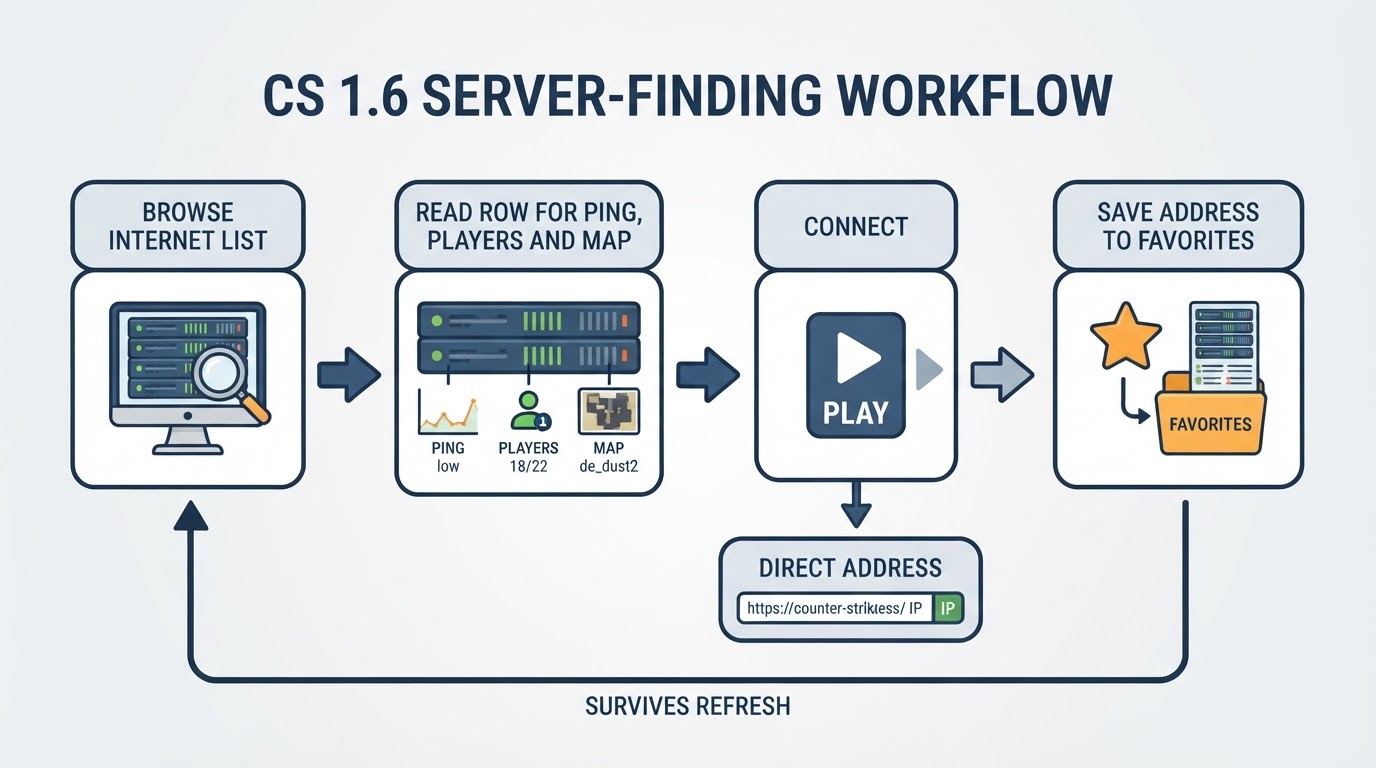
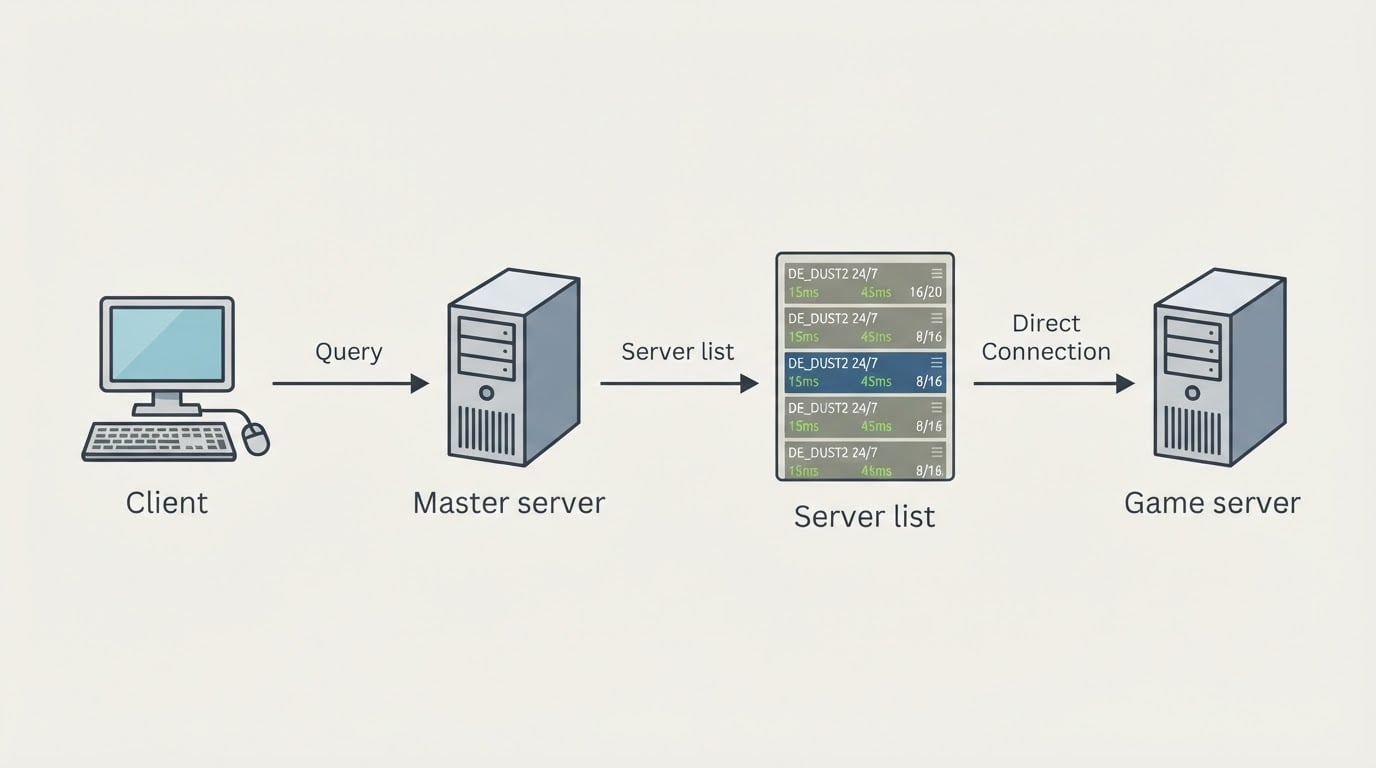
Open the server browser and start on the Internet tab, which pulls the public list from the masterserver. That list is not short, and it is not ranked by quality — it is ordered by whichever column you sort, which is exactly why you should sort deliberately:
- Ping and players, ranked together, because a busy server is not worth watching from 200 ms away.
- Map and game mode, because respawn, zombie, gungame, hns and jail servers attract completely different crowds.
- Server name keywords, which in 1.6 are the de facto description of the rules and the plugins.
As a rule of thumb, keep servers under roughly 80 ms where you can, and expect anything past 120 ms to show up in your aim. When you find two or three servers you like, add them to favourites right away; favourites are stored locally, so they survive reinstalls and do not depend on the public list staying indexed.
If the Internet tab comes up empty, check three things in order: that you are looking at Internet and not LAN, that your firewall is not blocking the game executable, and that the client can reach a masterserver at all. Ports matter here too — 27015 is the default game port and the number you need if you ever host or forward one.
Step 4: Join, then verify the connection
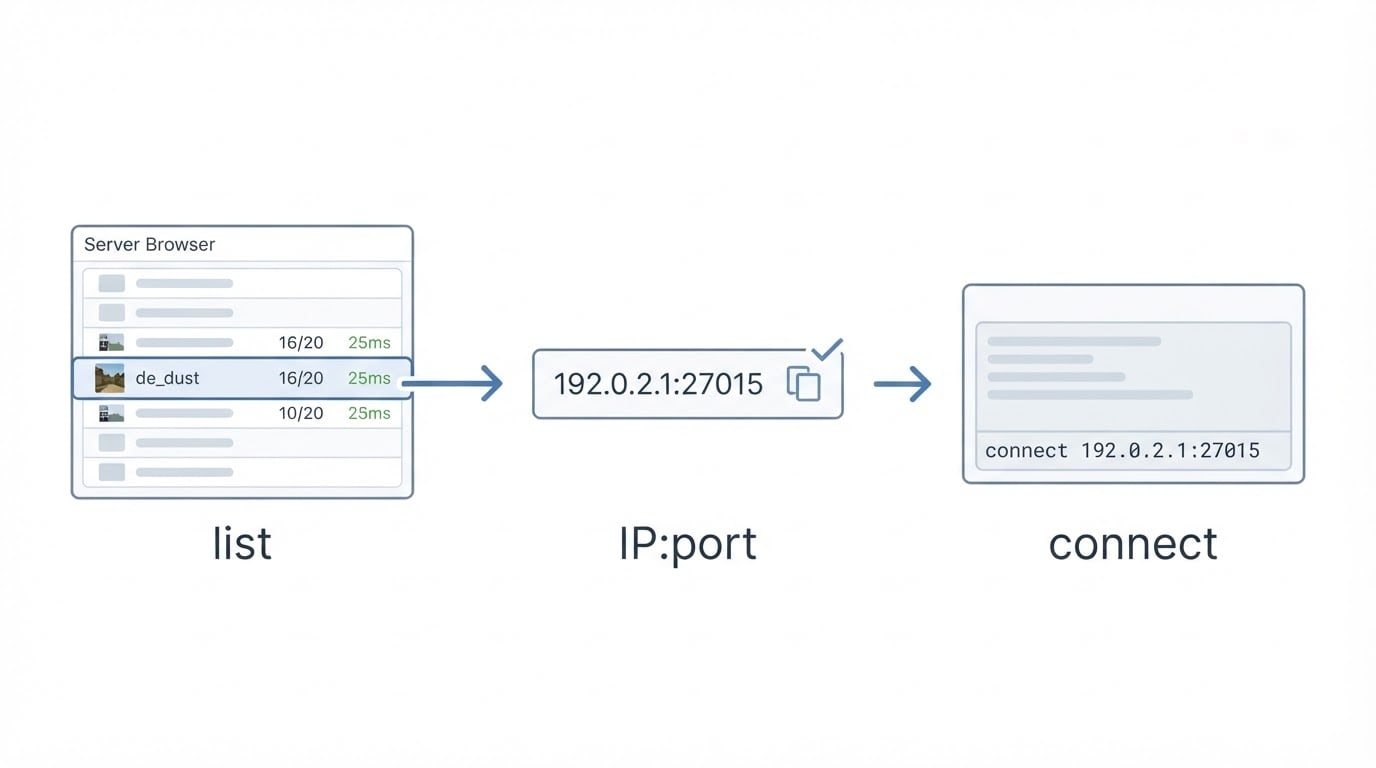
Joining a server you found elsewhere is faster from the console. Open it with the console key and type connect <ip>:<port> using the address you were given. Once you are in, status lists who is on the server, and ping shows the latency you are actually getting rather than the number the list advertised.
Most failed joins are boring: the server is full, it is password-protected, it runs a build your client does not match, or the firewall is blocking the executable. The standard for "good enough" is simple — stable ping over several minutes, no packet loss, the map finishes, and your stats appear at the end of the round. If any of those fail, change server before you change settings.
The limitation beginners find out the hard way
A 1.6 server can send commands to your client, and some use that to rewrite your configuration. The community calls it slowhacking, and the usual vectors are cmd, autoconnect, gamemenu, trackerUI and forced key binds. In practice your binds, crosshair, sensitivity or autojoin target can change after a single visit — and the change survives after you leave.
The trade-off is uncomfortable but manageable. Servers that push settings are not always malicious; some are simply badly configured, and you cannot tell which from the name alone. What you can do is limit the damage: use a client that ships anti-slowhack protection, keep the clean backup of config.cfg and userconfig.cfg you made earlier, refuse custom files a server offers to download, and re-check your config after playing somewhere new. If you spend a lot of time on public servers, a separate profile for them is worth the extra folder.
If you run a server: how it gets found
For server owners, visibility has two halves. The first is being where players look: the game's own server list through the masterserver, the gamemenu, favourites, top lists, and third-party ranking sites of the GameTracker type. The second half is retention — population at your peak hours, map rotation, admin presence, and whether the mode is obvious from the server name. Placement without retention just means players arrive and leave again.
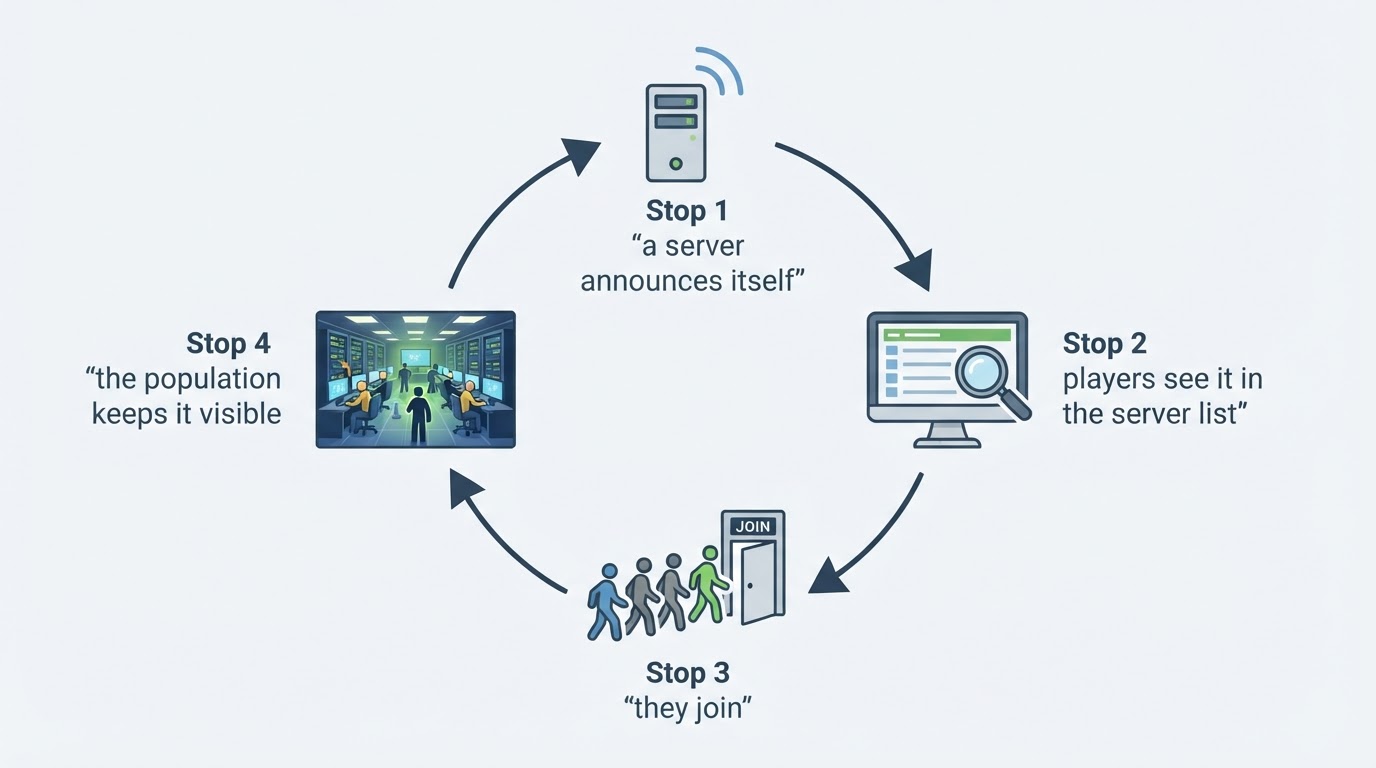
Most 1.6 server software announces itself to the masterserver automatically, so if your server never appears in the Internet tab, the heartbeat or the firewall is the first thing to check. Beyond that, paid placement exists as an option. DownloadCS16.RO, a Romanian CS 1.6 portal, offers a promotion service through its sister site top-boost.ro; the advertised packages run from EUR 10 to EUR 180 for 30 days and aim to place a server in the masterserver, the in-game internet list, the gamemenu, favourites and the top lists, as well as GameTracker positions. Treat that as a visibility lever rather than a fix. A server that sits empty at peak time will not hold players just because it is listed higher.
Quick answers before your first session
Is CS 1.6 still playable online? Yes. Community servers still run and the in-game browser still pulls an internet list. The scene is smaller than it once was, which makes a short favourites list more valuable than a long one.
Do I need Steam? No. Community clients connect to the same servers. What you give up is automatic updating and VAC protection on official servers.
Why did my settings change after joining a server? Something on that server pushed commands to your client — the slowhack problem above. Restore your backup and avoid that server.
How low should my ping be? Under roughly 80 ms feels clean, 80-120 ms is playable, and beyond that you will notice it in duels long before the scoreboard does.
A first-session checklist
- Download a client from a source you can name, and scan the file before running it.
- Install into a dedicated folder, then back up
config.cfganduserconfig.cfg. - Set resolution, sensitivity, crosshair and the console key before going online.
- Filter the Internet tab by ping and players, then favourite your best two or three.
- Connect, check ping and config, and keep the servers that pass.
That is the whole loop. Once the client is stable and the favourites list is real, playing CS 1.6 online stops being a project and becomes a game again.